
Sales and floor
Kitchen display (KDS): order tickets in order, no paper and no shouting
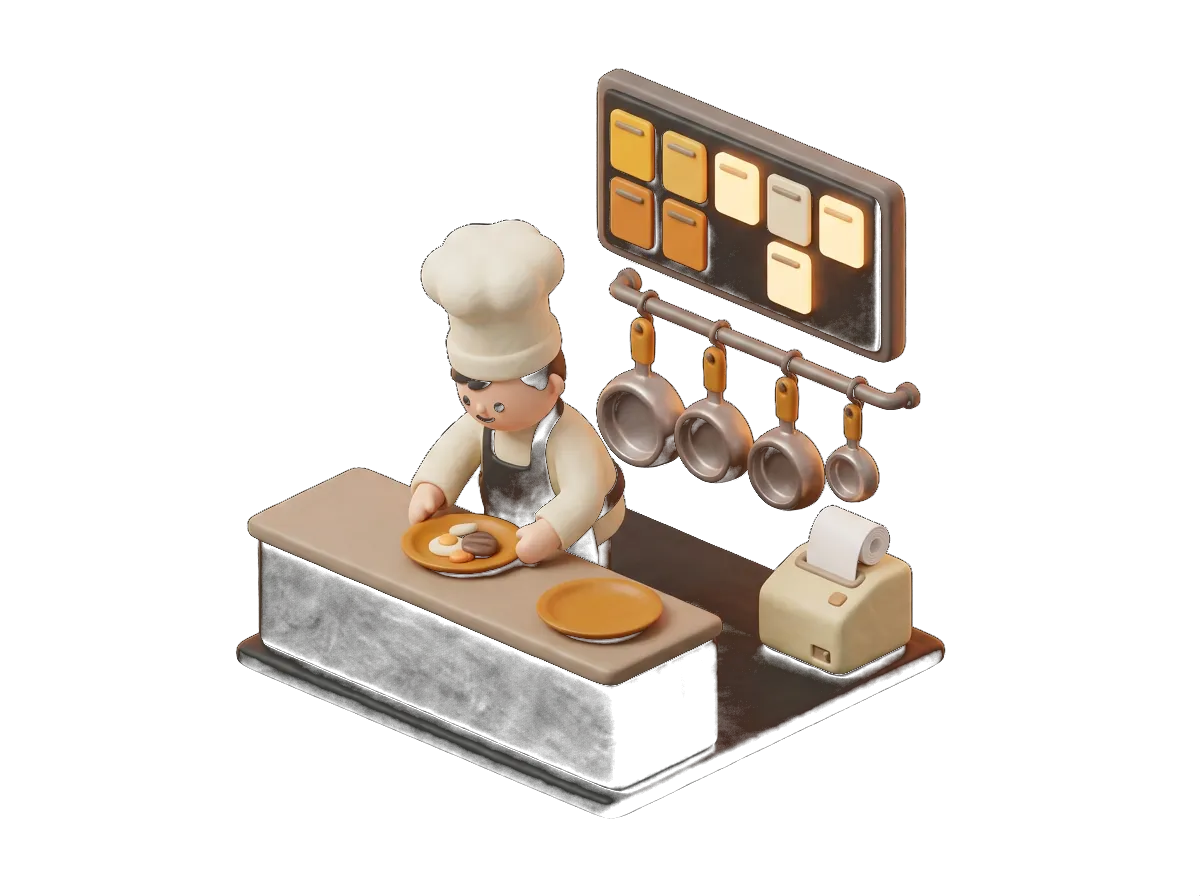
Every order appears on screen with its time, its table and its notes. The chef marks what's going out and the floor knows. Use it alongside the printer or instead of it.
- In the order they arrive
- With timings
- Any screen
What it does
Kitchen display: what you'll actually use every day
01
Everything outstanding, at a glance
Orders come in as cards, in sequence. You can see which table, which dishes, which notes and how long they've been waiting. Anything running late changes colour.
02
Mark it and tell the floor
The chef taps a dish when it's ready and the ticket closes once everything has gone out. The floor sees it on their screen or their handheld.
03
By section
One screen for the hot section, another for cold, another for the bar: each one only sees its own. Set up by category, just like the printers.
04
No special hardware
Any tablet, touchscreen monitor or TV with a browser. Whatever you already have, or something cheap we point you to.
Why choose it
Why Kitchen display with Sevilla TPV
- No more lost, grease-stained tickets
- Prep times you can see
- Works alongside the printer if you still want one
- You can see what's outstanding from the POS
- Works with QR table orders and delivery
- 24/7 support
The kitchen display sorts out what the printer scrambles. During service in Feria week, with the terrace full and orders coming in by QR as well, seeing the tickets as cards in the order they arrived, with their timings and their notes, stops table 12 jumping ahead of table 4 and stops the "gluten free" being forgotten. You do not need to buy anything unusual: a tablet in the kitchen and off you go.
Shall we go through it with your menu?
We'll show you this feature working with your own products. 20 minutes, no obligation.
Sectors
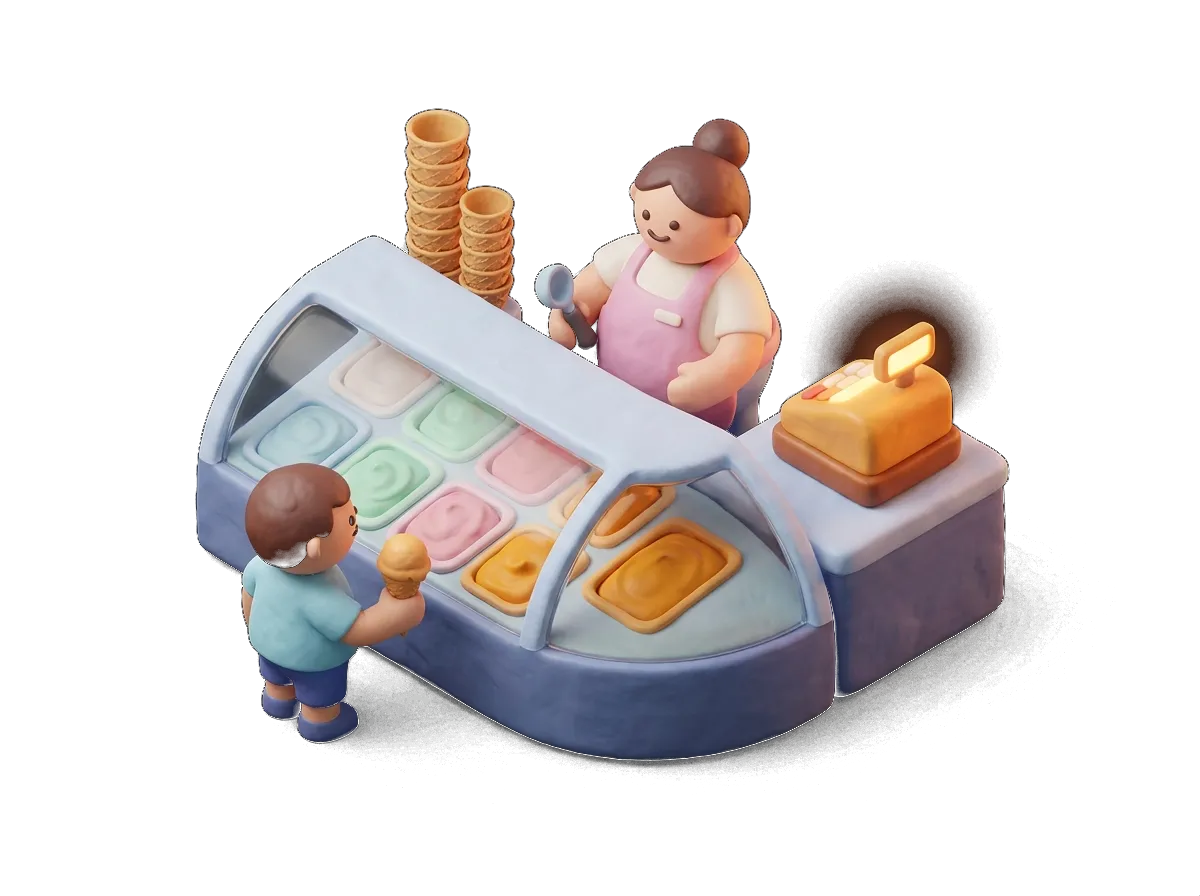
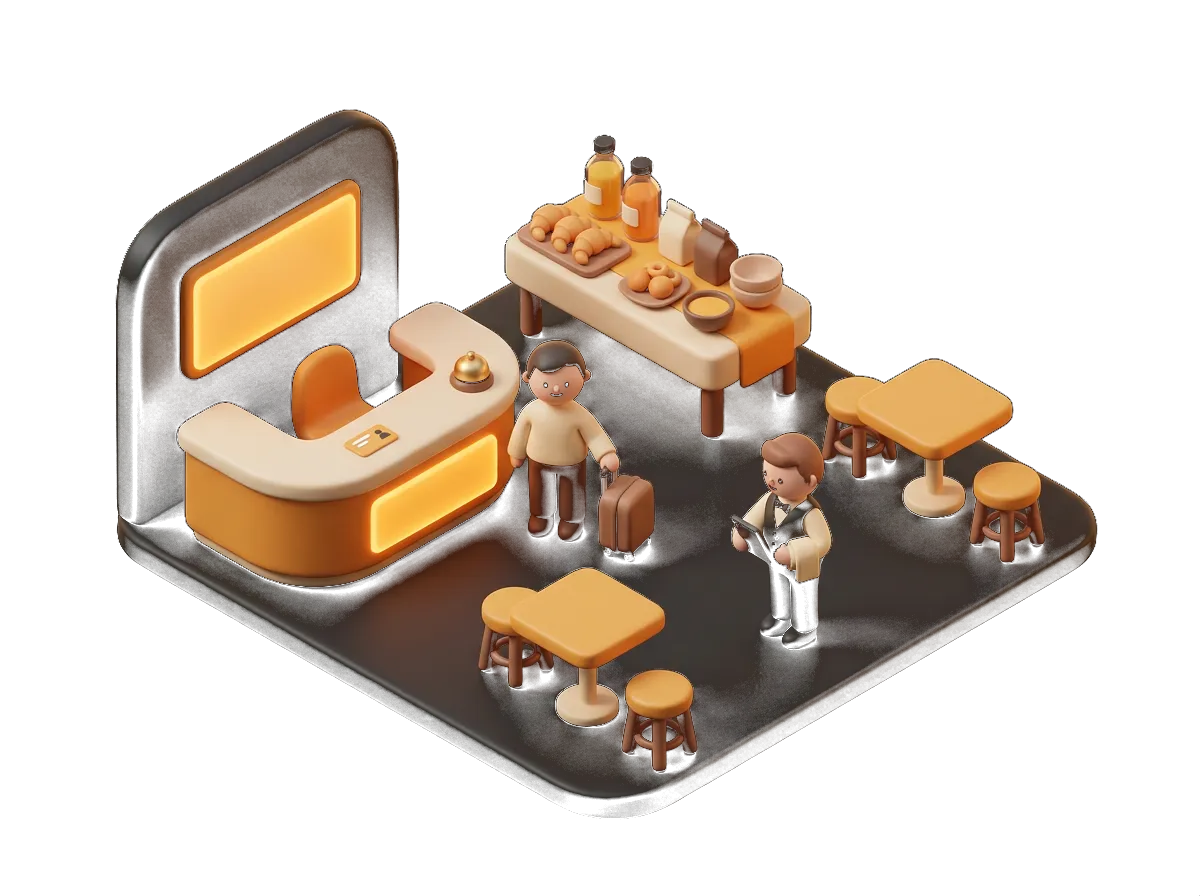
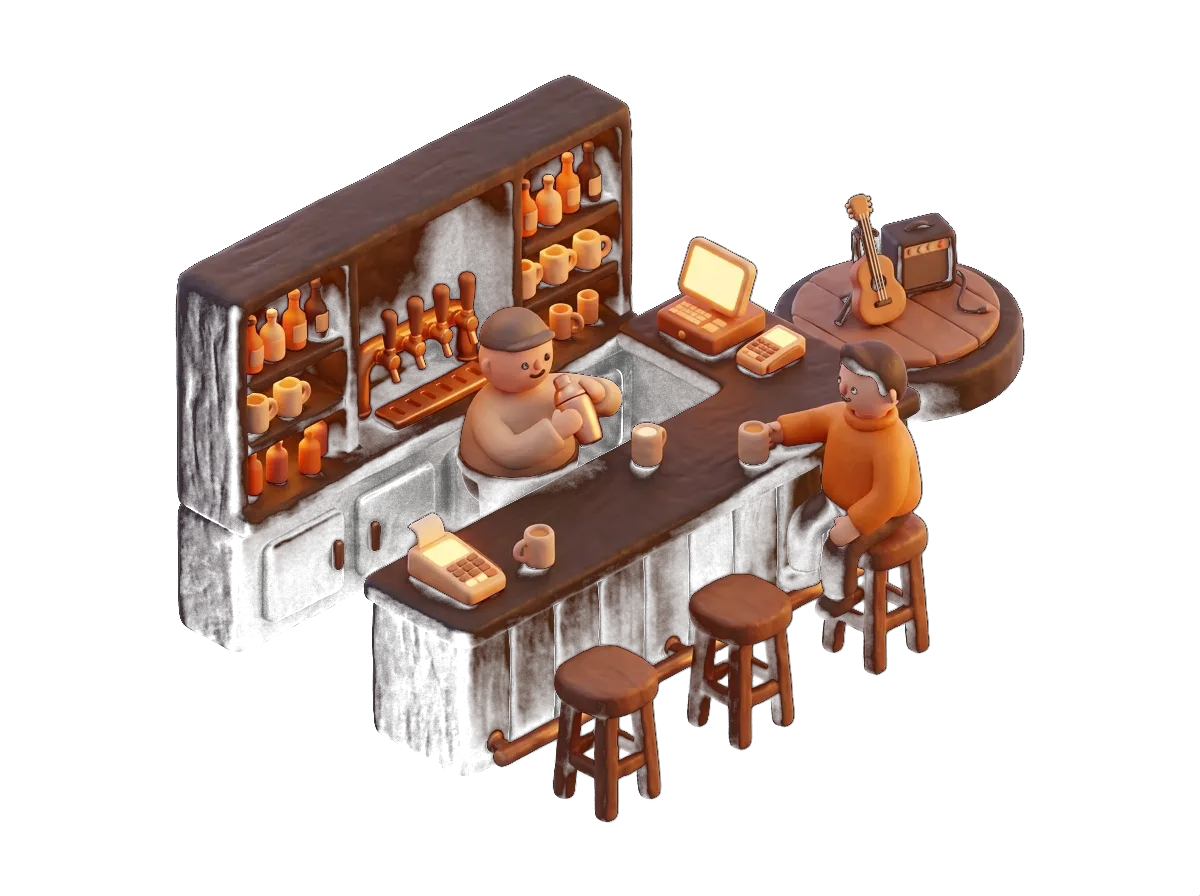
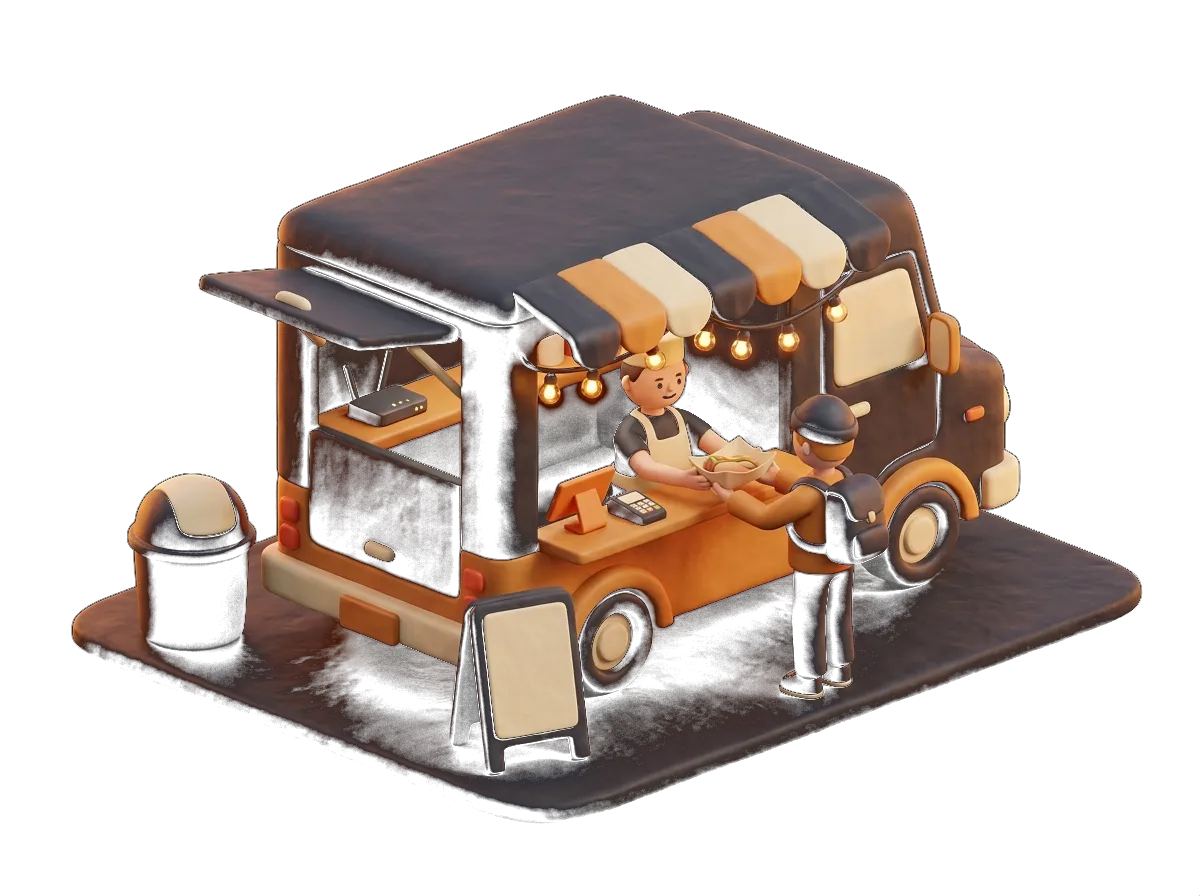
Where it pays off most
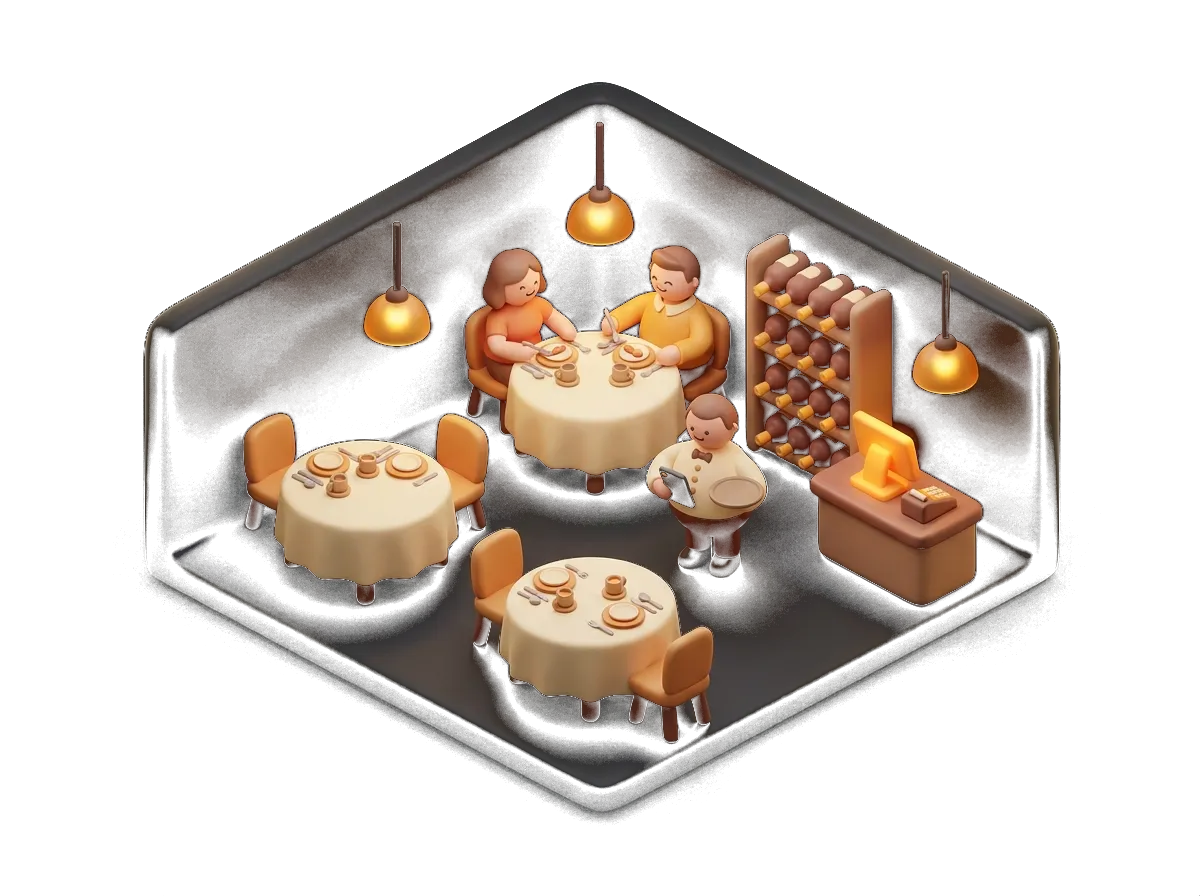
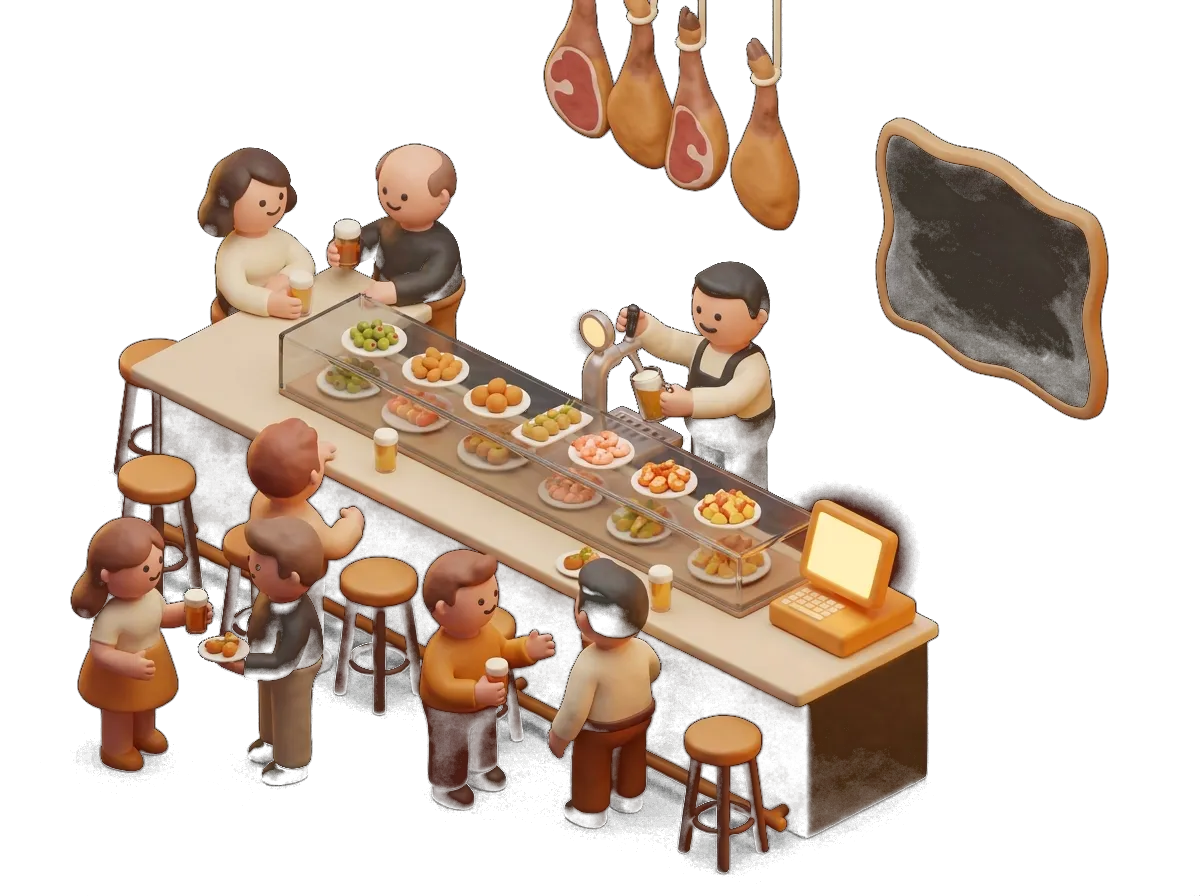
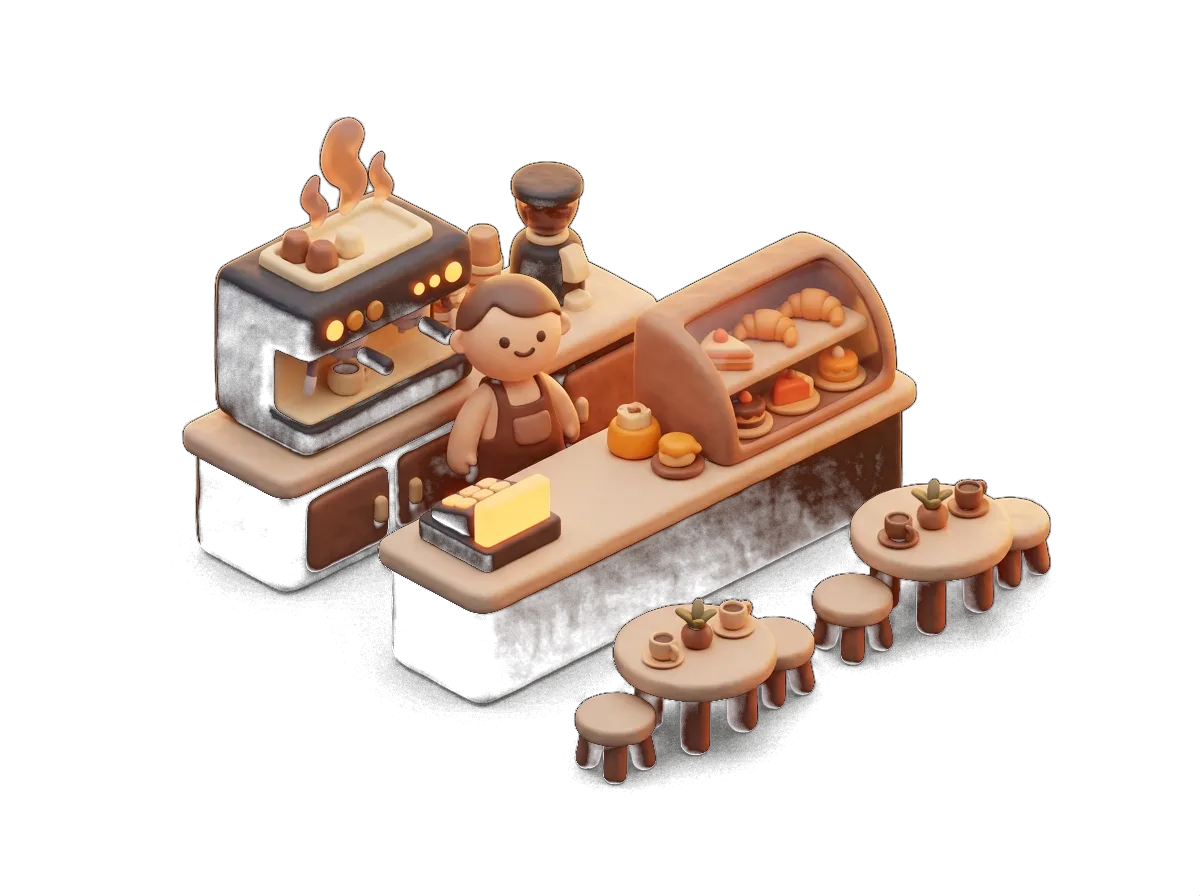
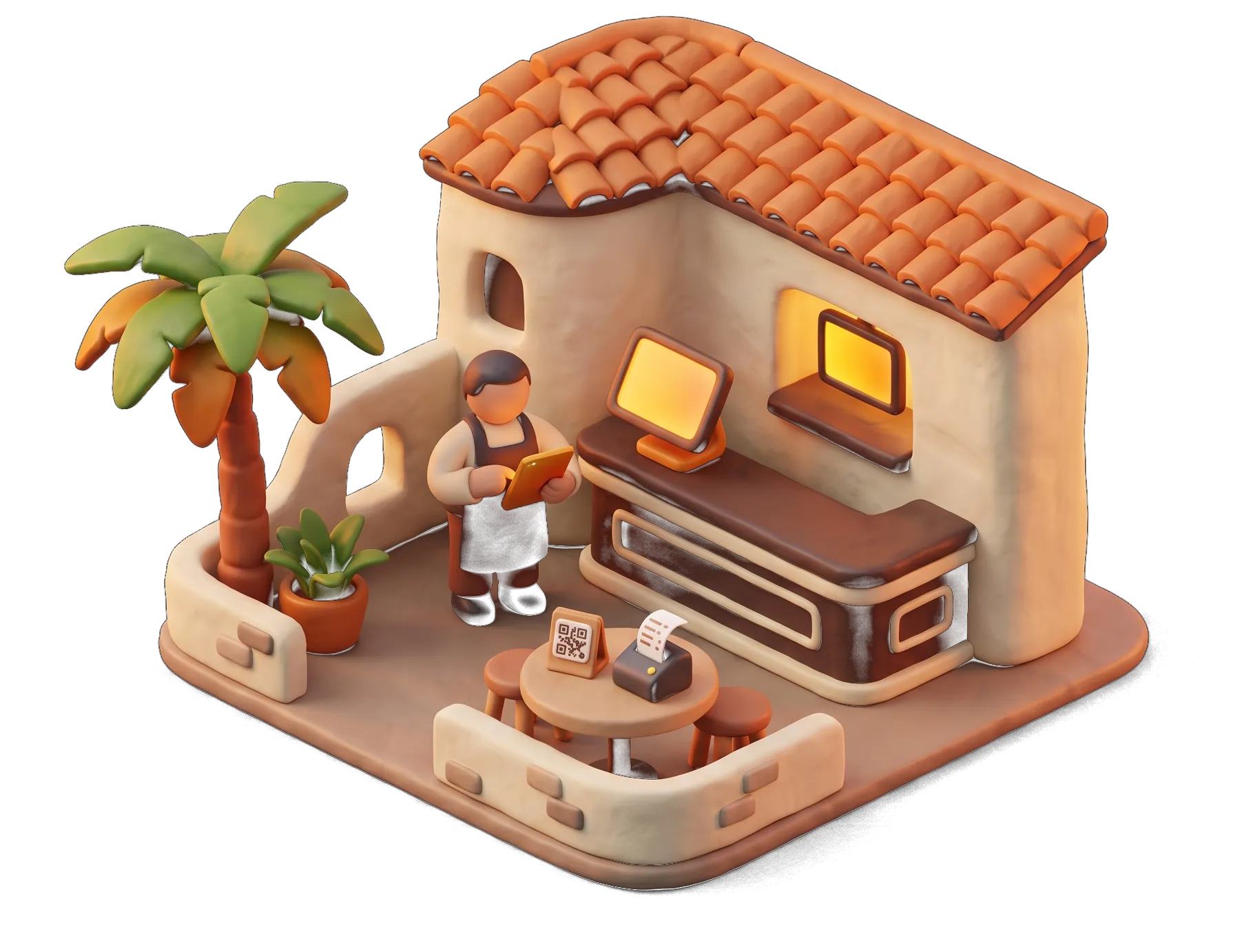
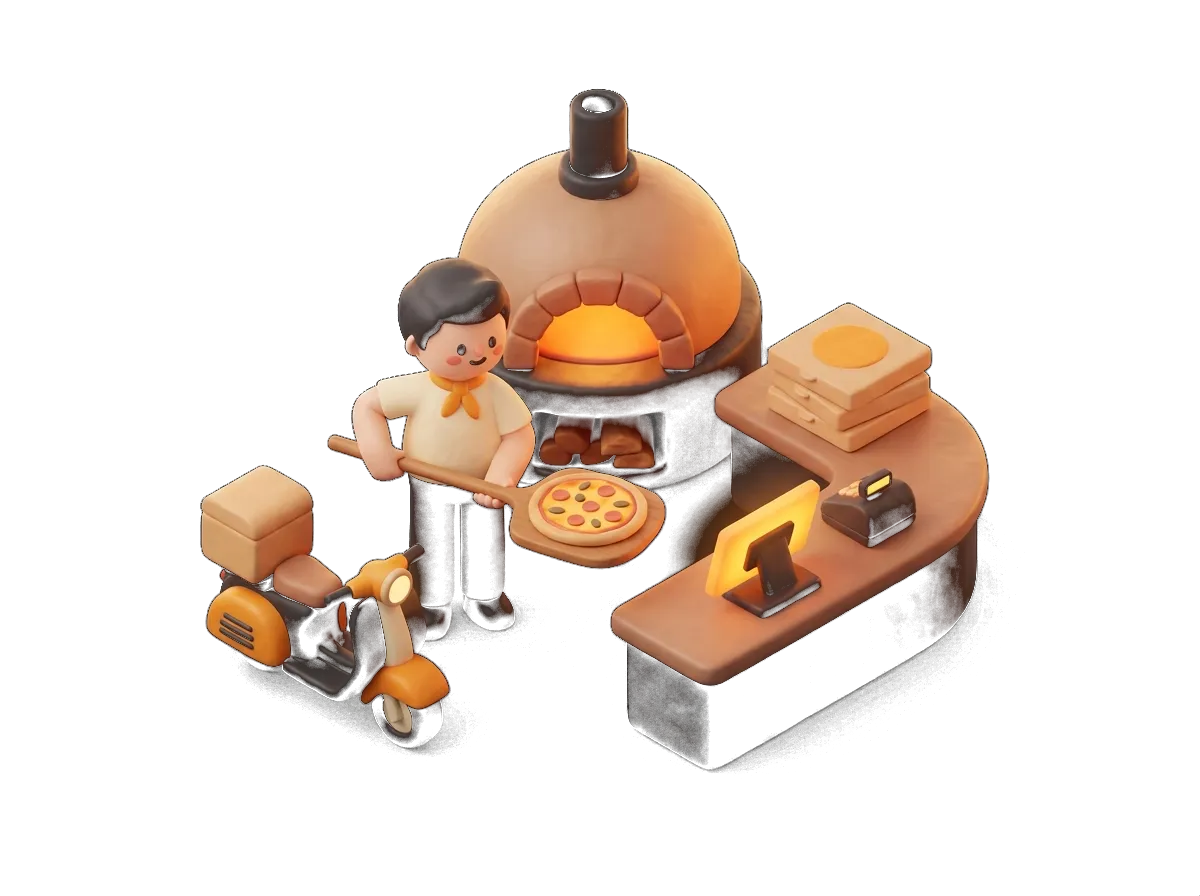
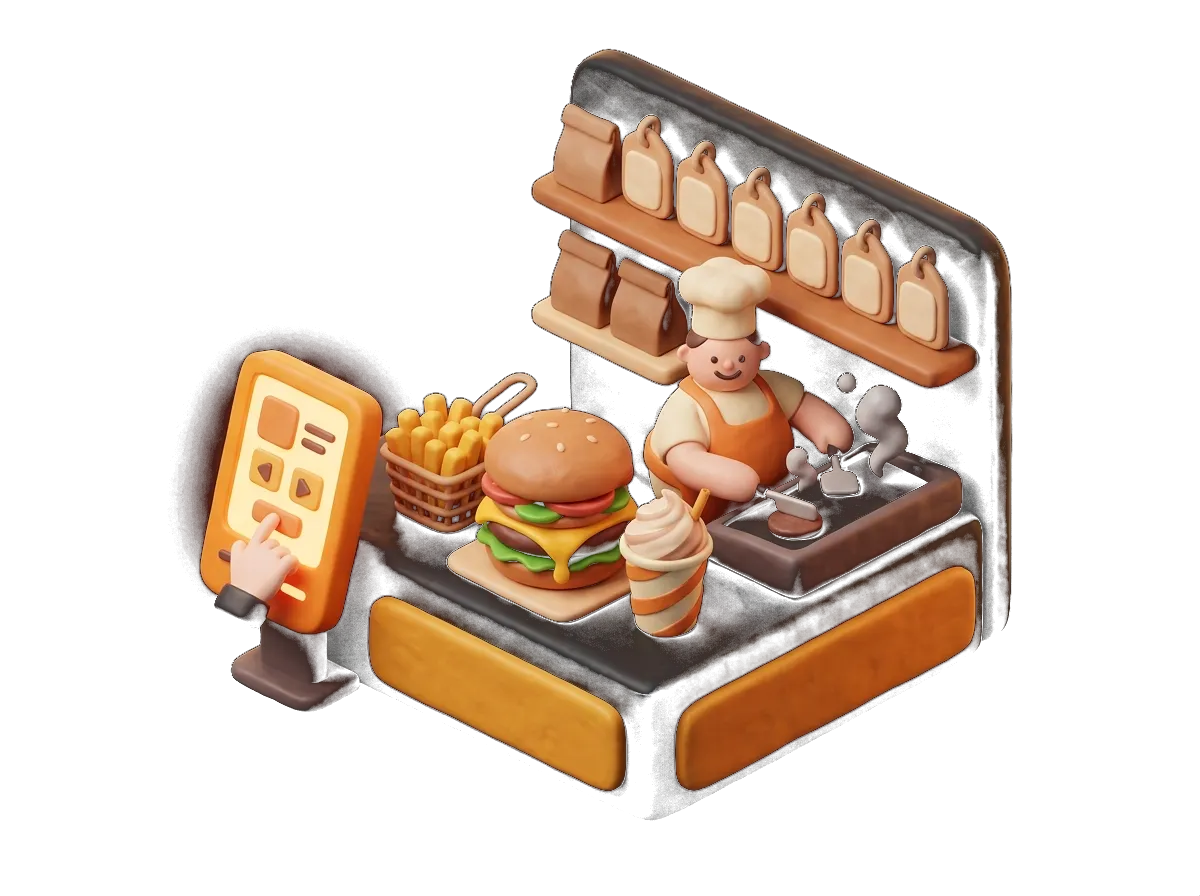
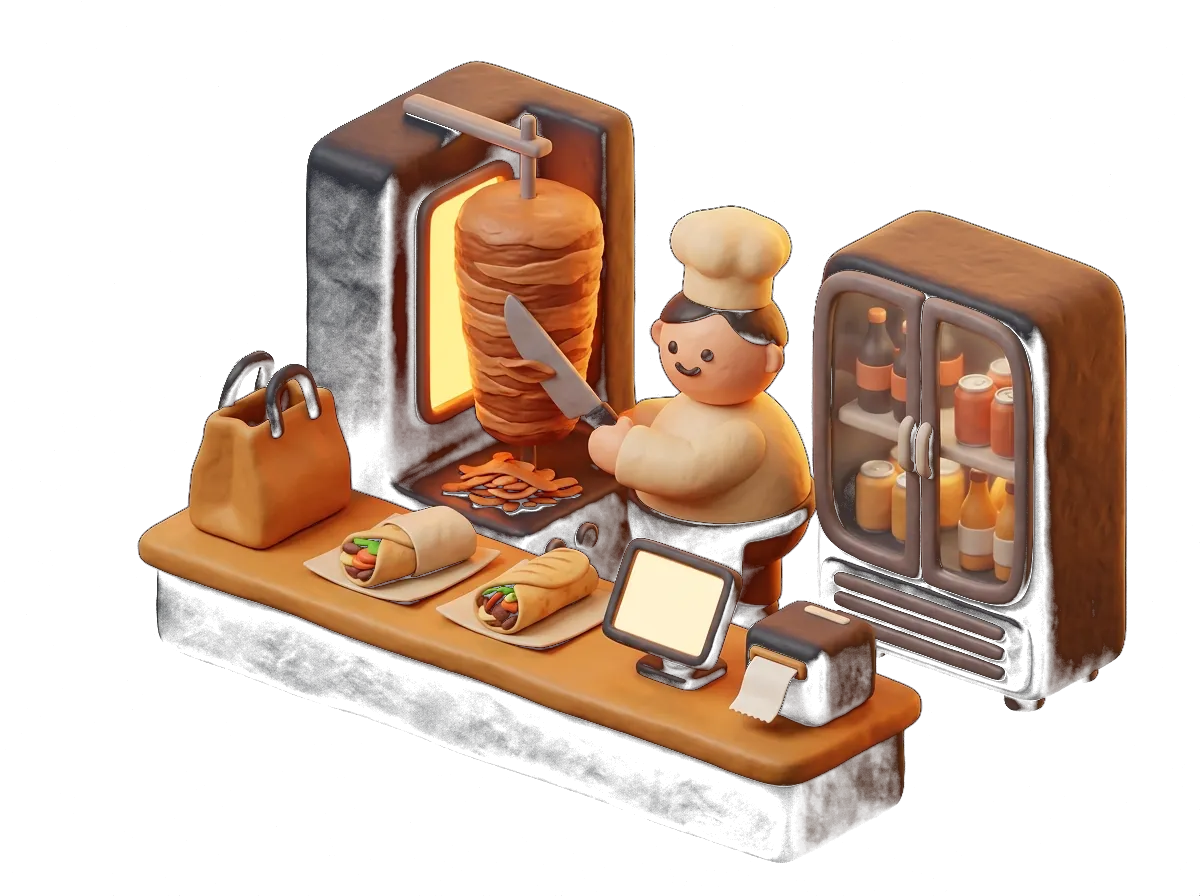
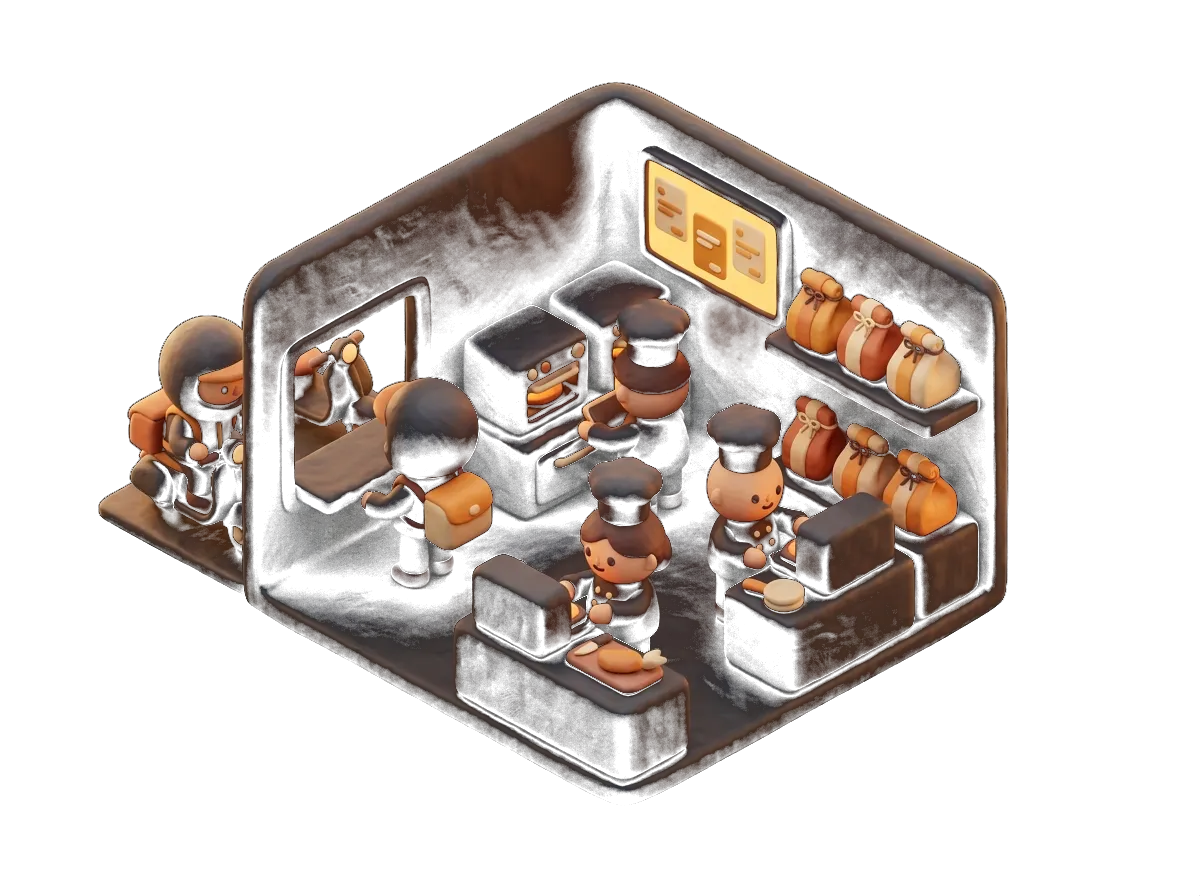
Every type of business uses it in its own way.
Goes well with
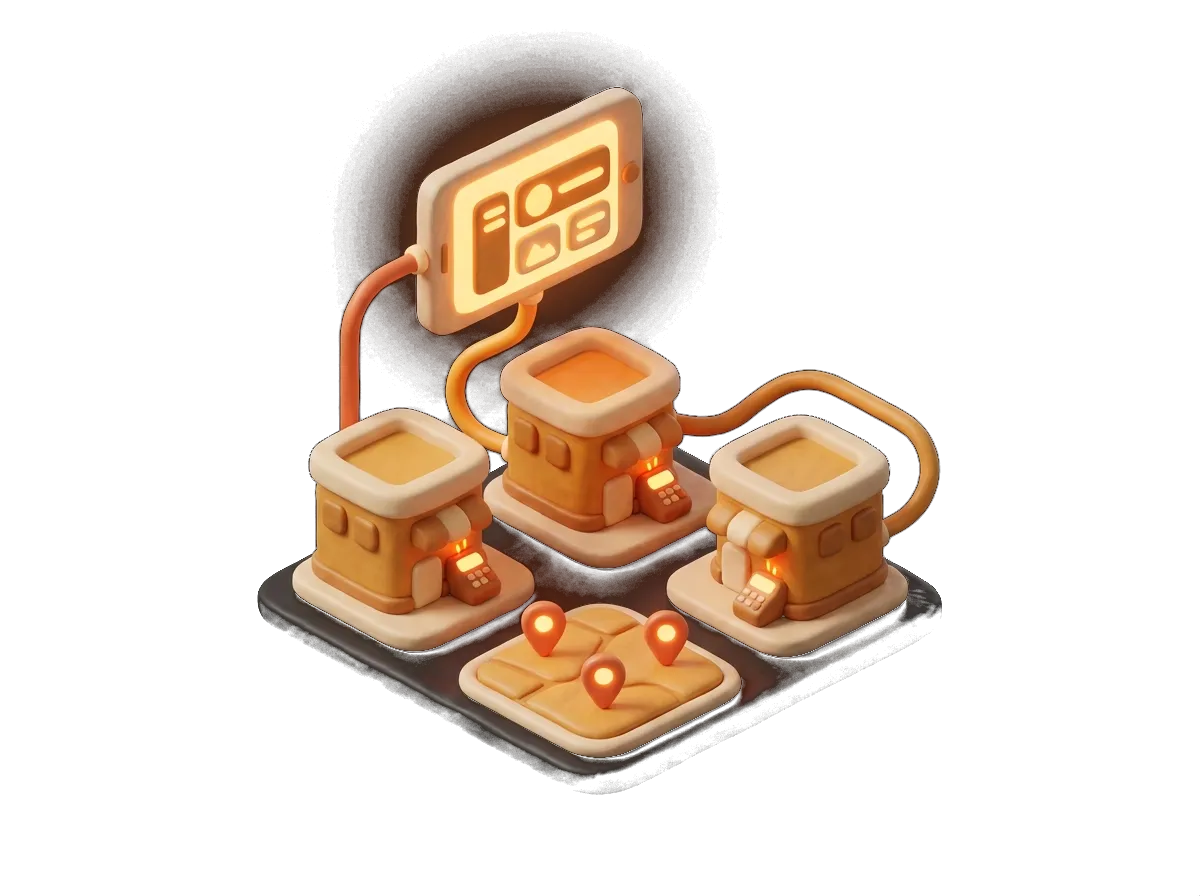
It works better alongside the rest
It's all in the same system and the same monthly fee.
Sales and floor
Hospitality POS
Touchscreen with tables, order tickets, payments and cash-up. Unlimited users and terminals.
See moreSales and floor
Digital handheld ordering
Orders from tablet or phone straight to the kitchen and the bar. Unlimited devices.
See moreMenu and orders
Delivery and collection
Delivery and collection orders from your own website, with no commission and your own dashboard.
See moreMenu and orders
Order and pay from the table
The customer orders from the QR code on the table, with or without the waiter approving it.
See moreBusinesses that already trust us
Bars, restaurants, lounges, academies and shops. Every logo is a real customer who works with us.












What we get asked
Questions about Kitchen display
Does it replace the kitchen printer?
It can. Plenty of venues use a screen in the kitchen and a printer at the bar, or both. You decide, category by category.
What screen do I need?
A tablet or a monitor with a browser. If you want the chef to tap it, make it a touchscreen. We can recommend inexpensive models that stand up to the grease and the heat.
Do terrace and delivery orders show together?
Yes, it all comes into the same queue, labelled by where it came from. You can also keep them separate.
What happens if the tablet switches off?
No orders are lost: switch it back on and the outstanding ones reappear. And you can always print in the meantime.
Does it tell the waiter when a dish is ready?
Yes, the status shows on the handheld and on the POS.
Got another question? Drop us a line or give us a call: we answer the same day.
From the blog
Worth a proper read
Get started with Kitchen display at your venue
Tell us how you work and we'll put together a fixed quote in under 24 hours. No obligation, no small print, and someone from Sevilla at the other end.
We call you within 24 h · Equipment included · 24/7 support