
Menu and orders
Digital QR menu: always up to date, in seven languages and with photos
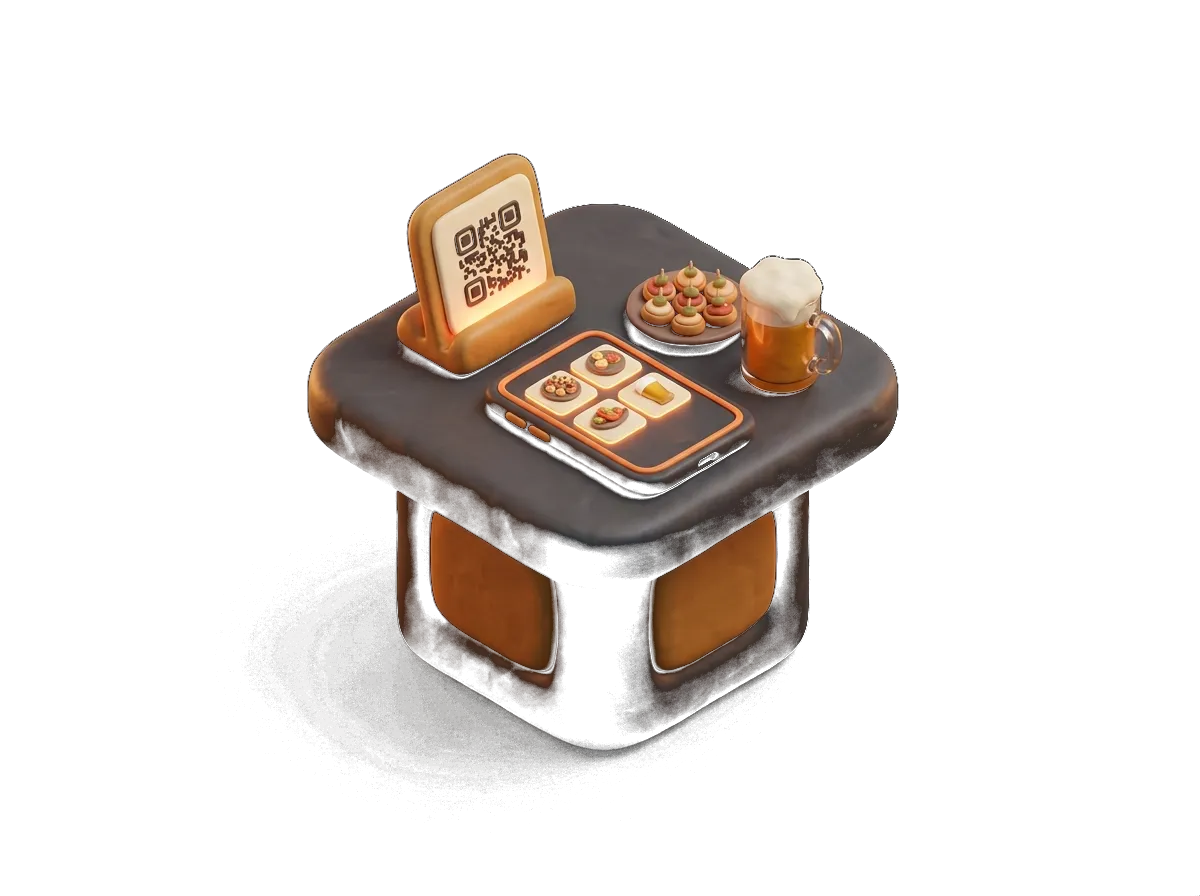
The customer scans and sees your real menu, with photos, allergens and current prices. You change it on the POS and it changes at the table, on your website and on Google all at once.
- 7 languages
- With photos
- One menu for everything
What it does
Digital QR menu: what you'll actually use every day
01
One menu, not three
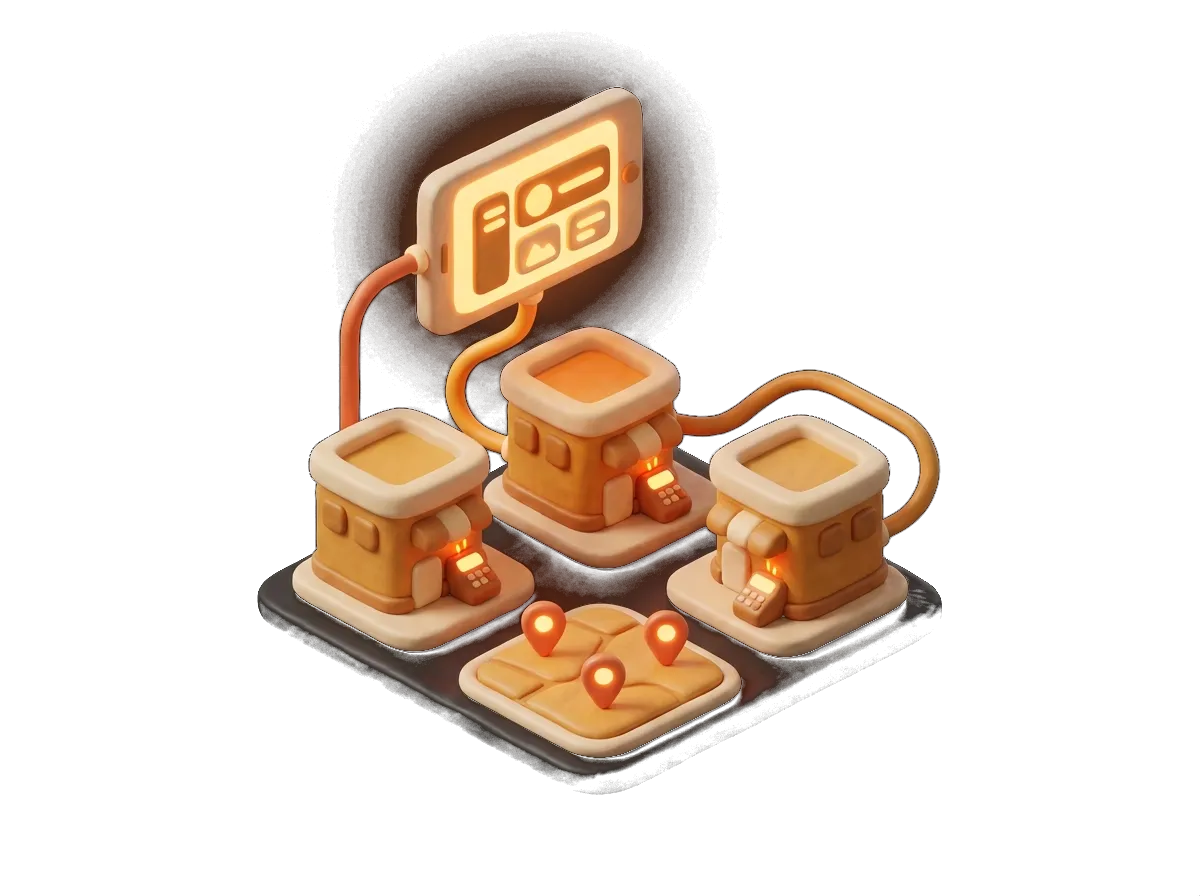
The POS menu is the QR menu and the one on your website. Add a dish, change a price or mark something sold out and it shows everywhere instantly. No more out-of-date PDF.
02
Built for tourists
Automatic translation into seven languages. Allergens with clear icons. Photos of the dishes. Foreign customers understand the menu without asking and order more.
03
Menus by time of day
Breakfast until twelve, set lunch on weekdays, tapas in the afternoon, evening menu, bank holidays. Each one appears when it should, with nobody having to remember.
04
Highlights, specials and best sellers
A front page with whatever you want to push today, animated visuals, and a "most ordered" block worked out from your real sales, not from what you set a year ago.
Why choose it
Why a digital QR menu with Sevilla TPV
- Import the menu from a PDF and export a printable PDF
- Interactive set menus with extras, ingredients left out and surcharges
- Price rules per set menu and bulk editing
- Designed with your logo and your colours
- Printed QR codes and table signage
- It turns into table ordering whenever you like
A digital menu is not a photo of your menu behind a link. It is the living menu of the business: the one the waiter uses on the handheld, the one the customer sees at the table, the one that shows up on your website and on your Google listing. When you change the price of the set lunch, you change it once. When the dish of the day runs out, it disappears everywhere. And when the customer from Manchester or Lyon arrives, they read the menu in their own language, with allergens and photos, and order the second course they would not have ordered otherwise.
Shall we go through it with your menu?
We'll show you this feature working with your own products. 20 minutes, no obligation.
Sectors
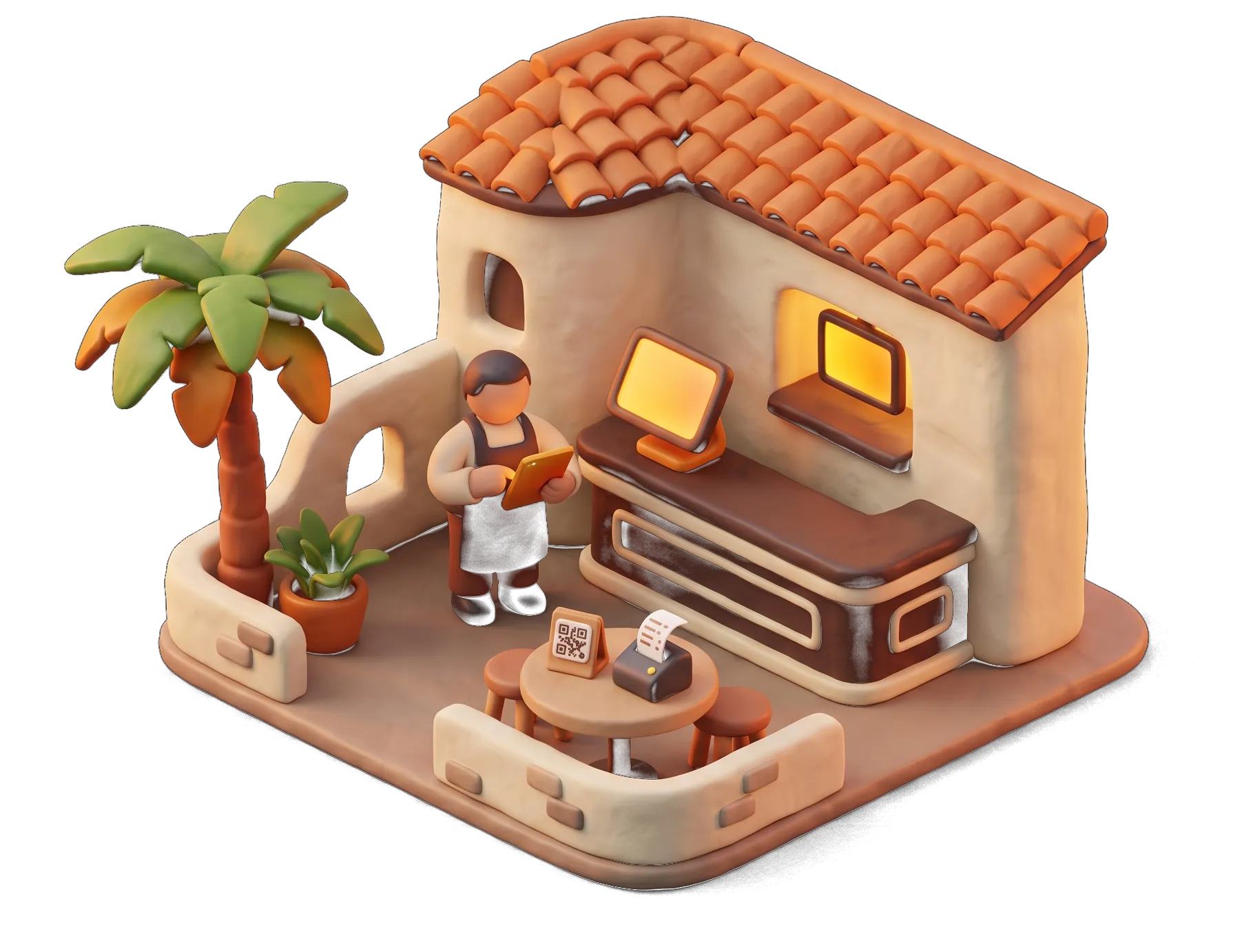
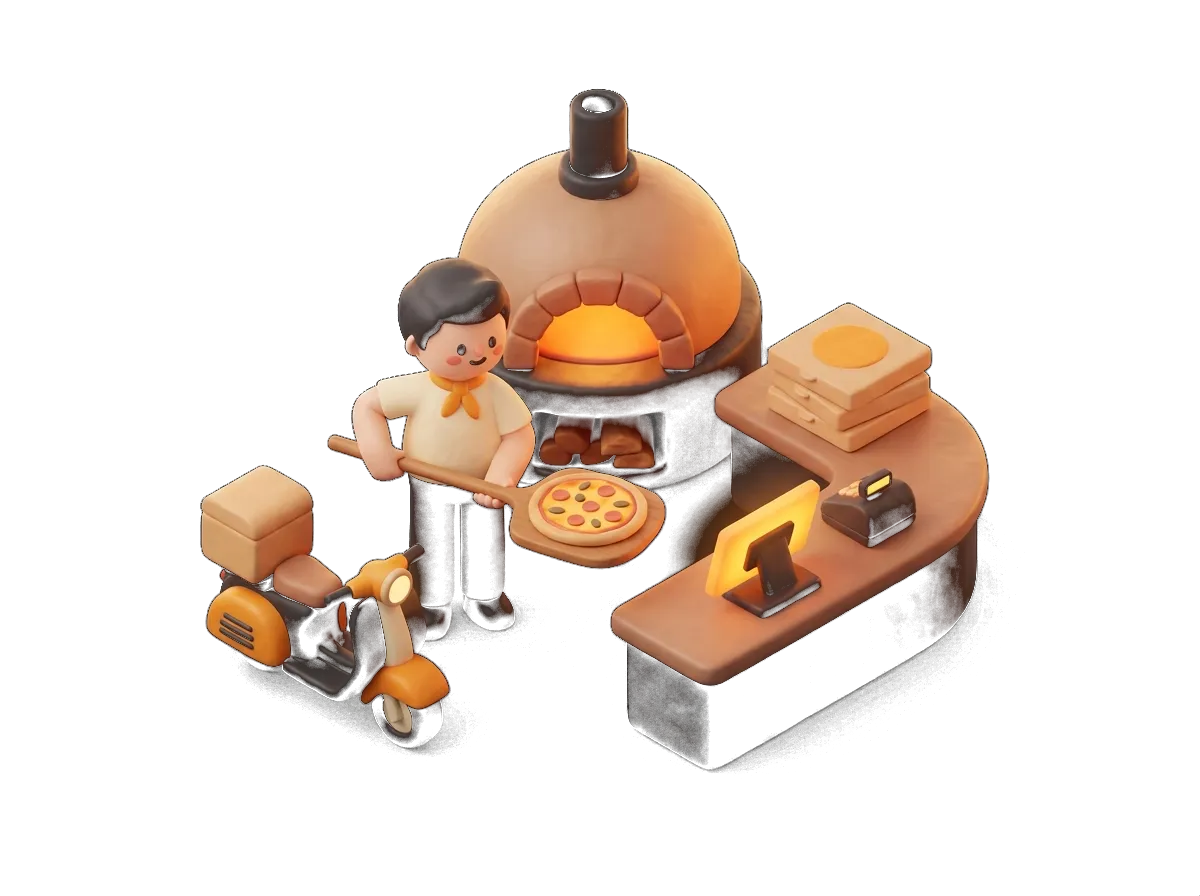
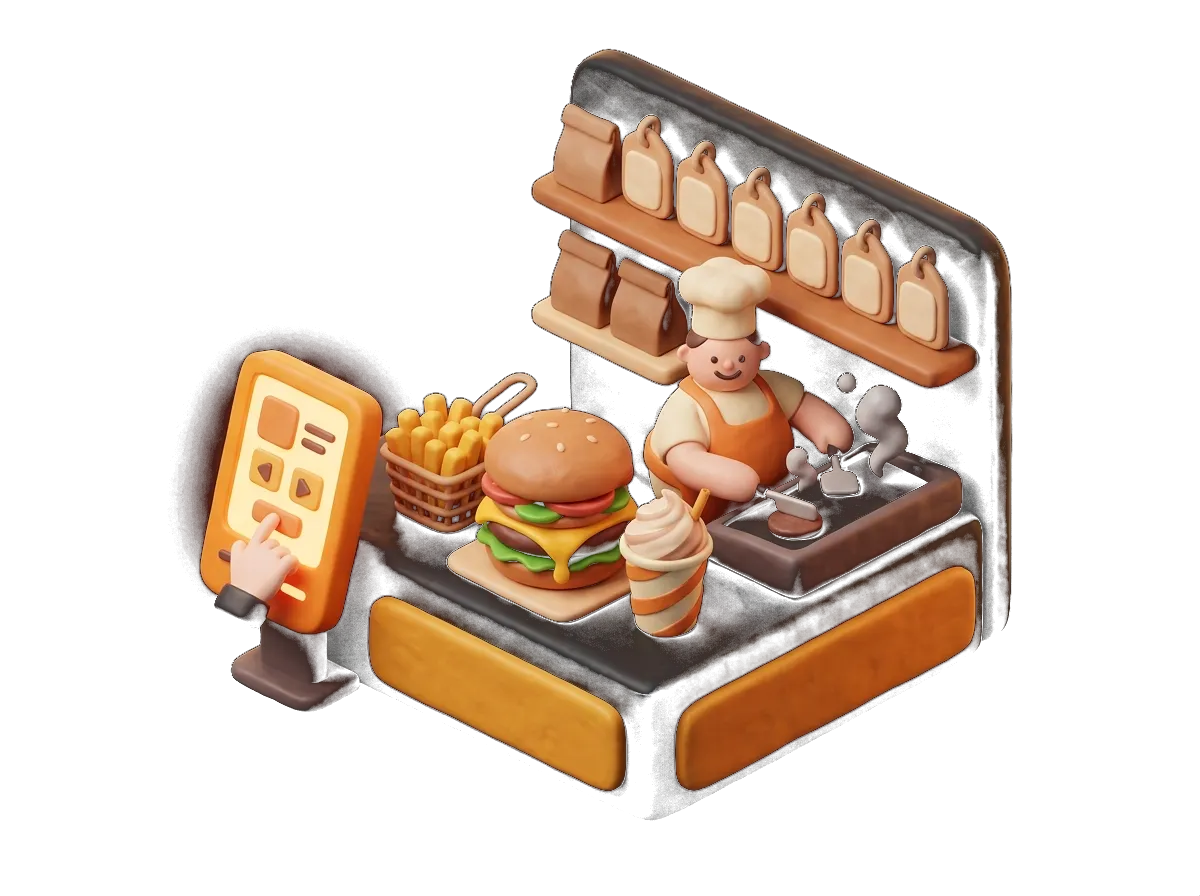
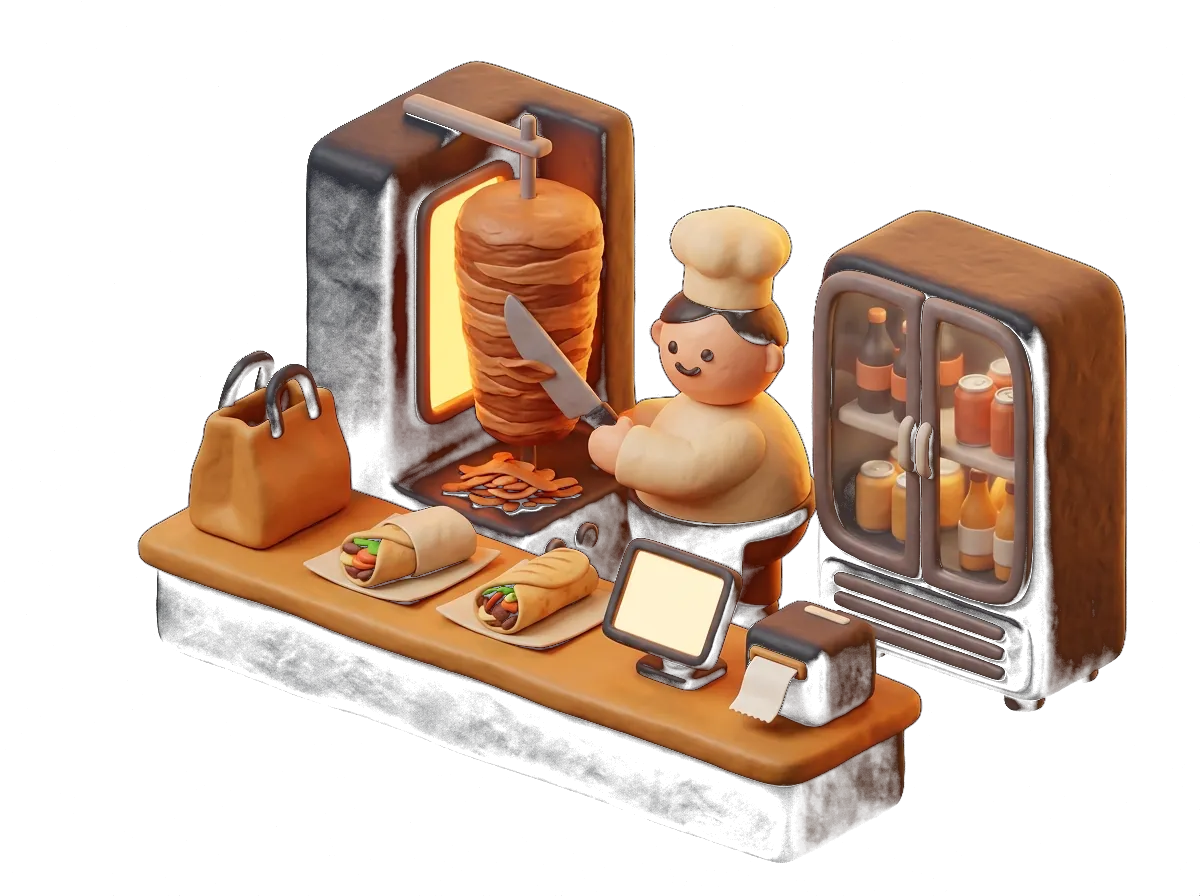
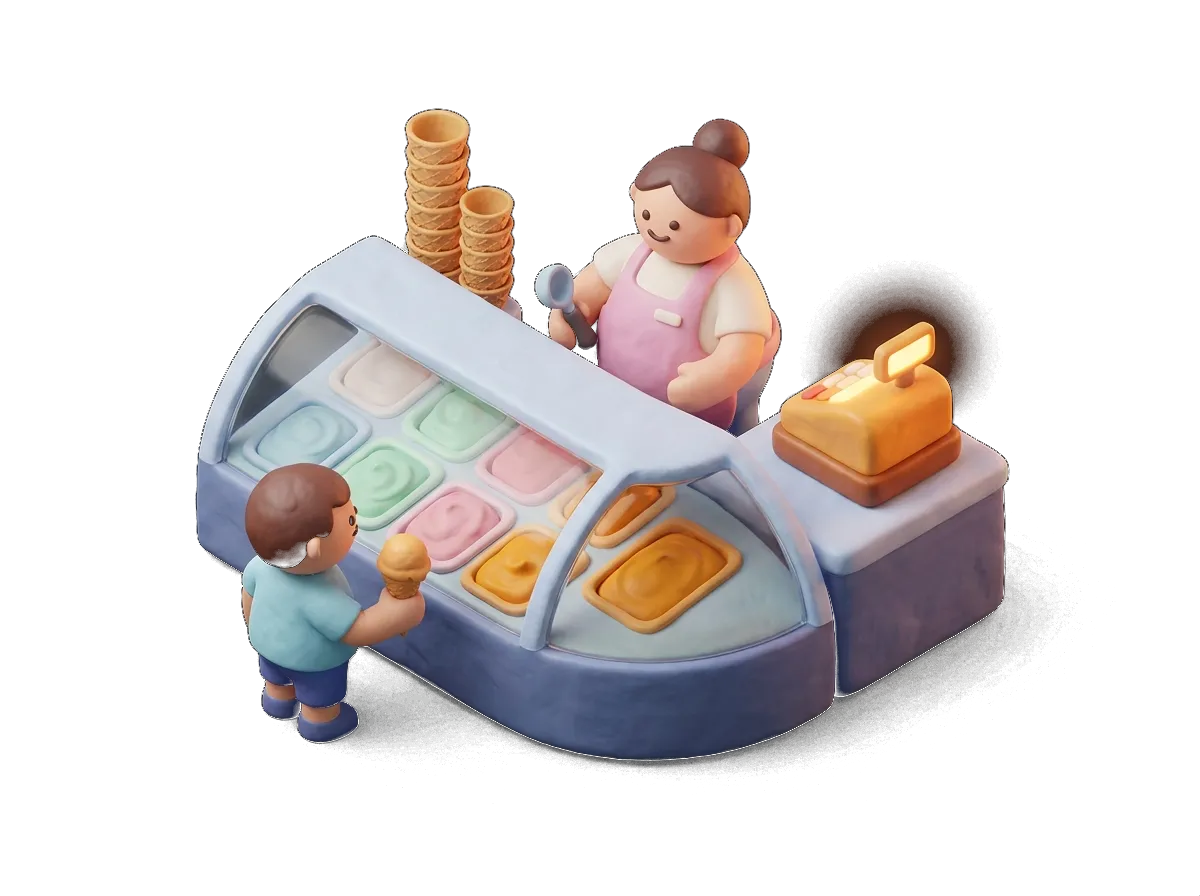
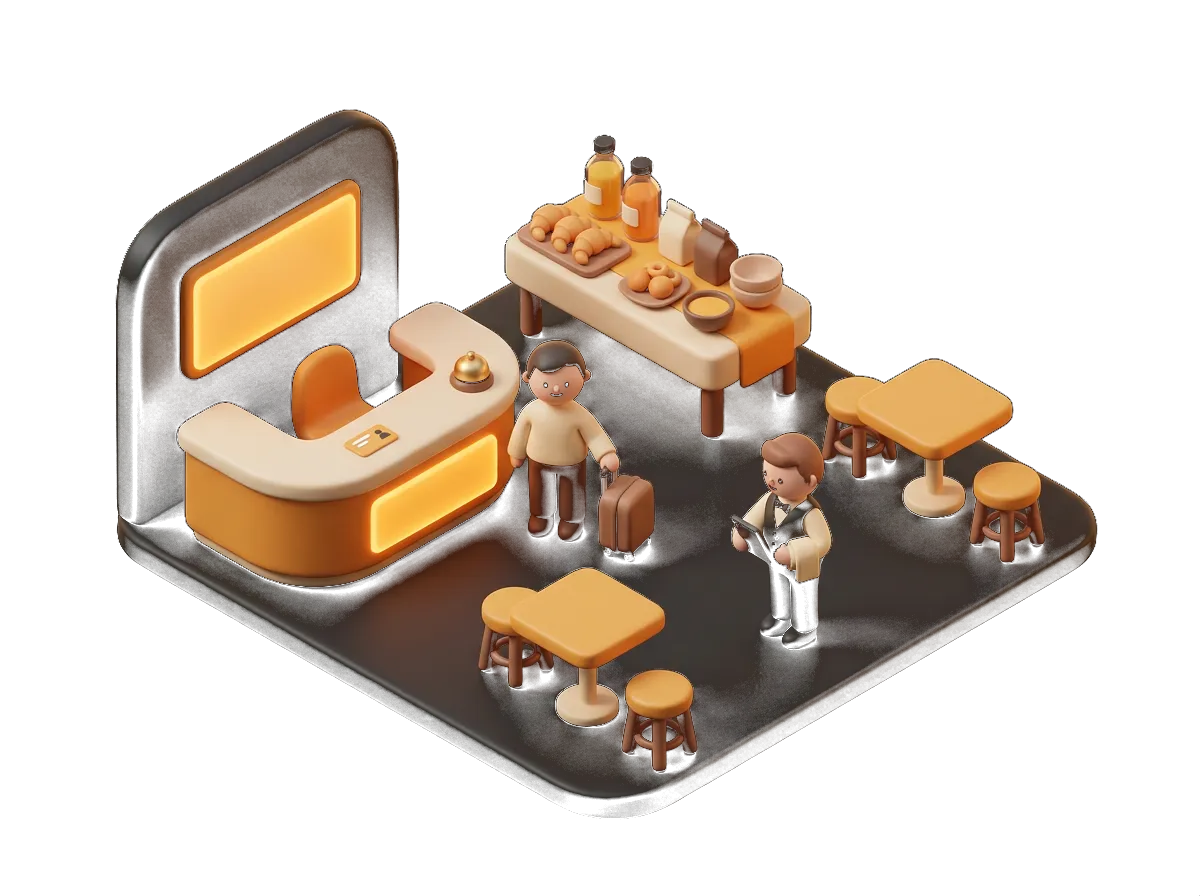
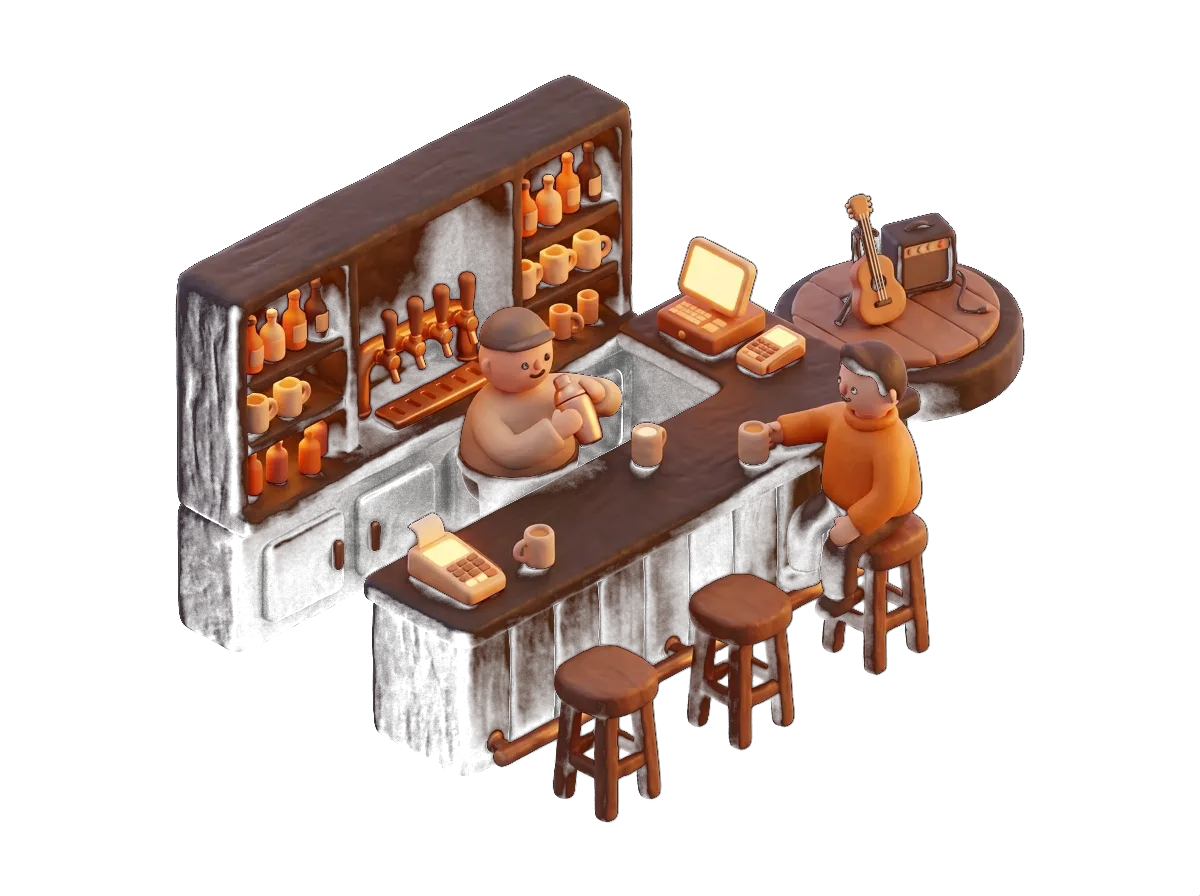
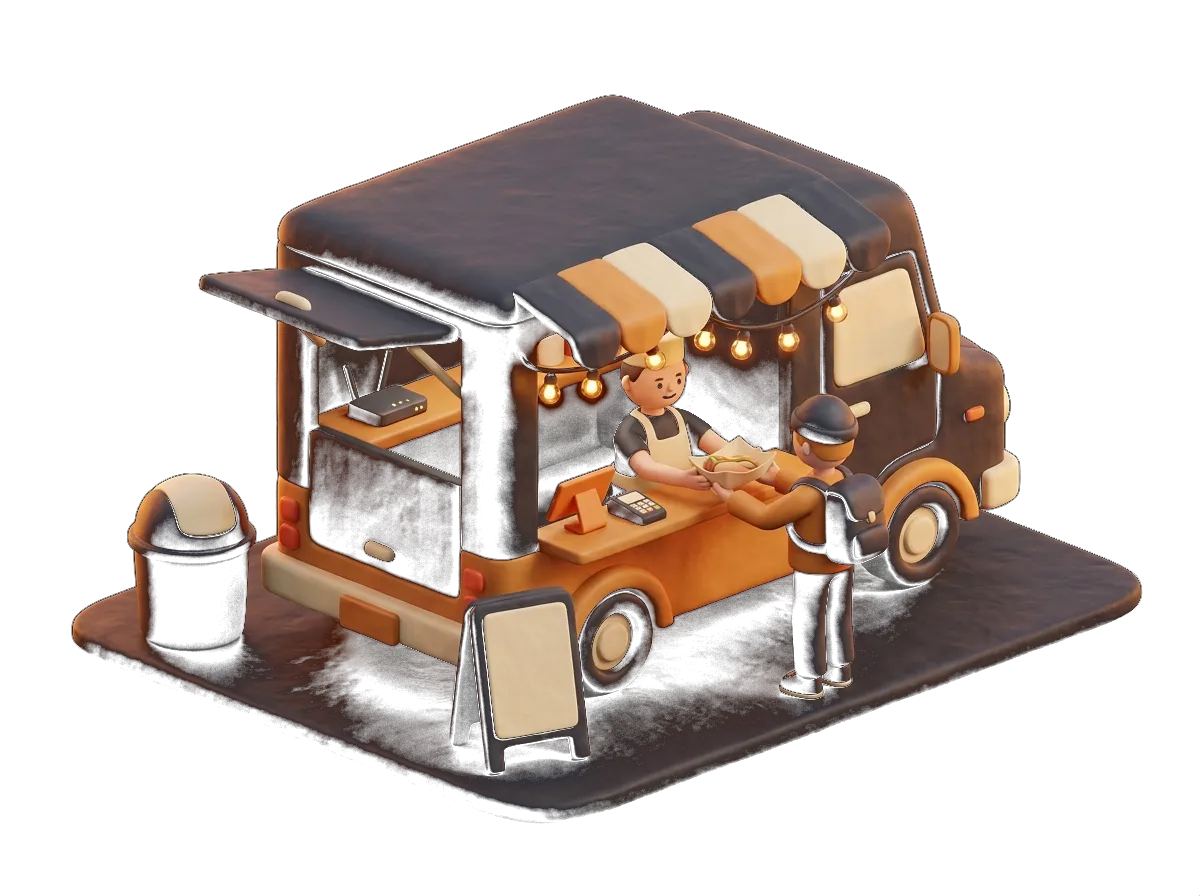
Where it pays off most
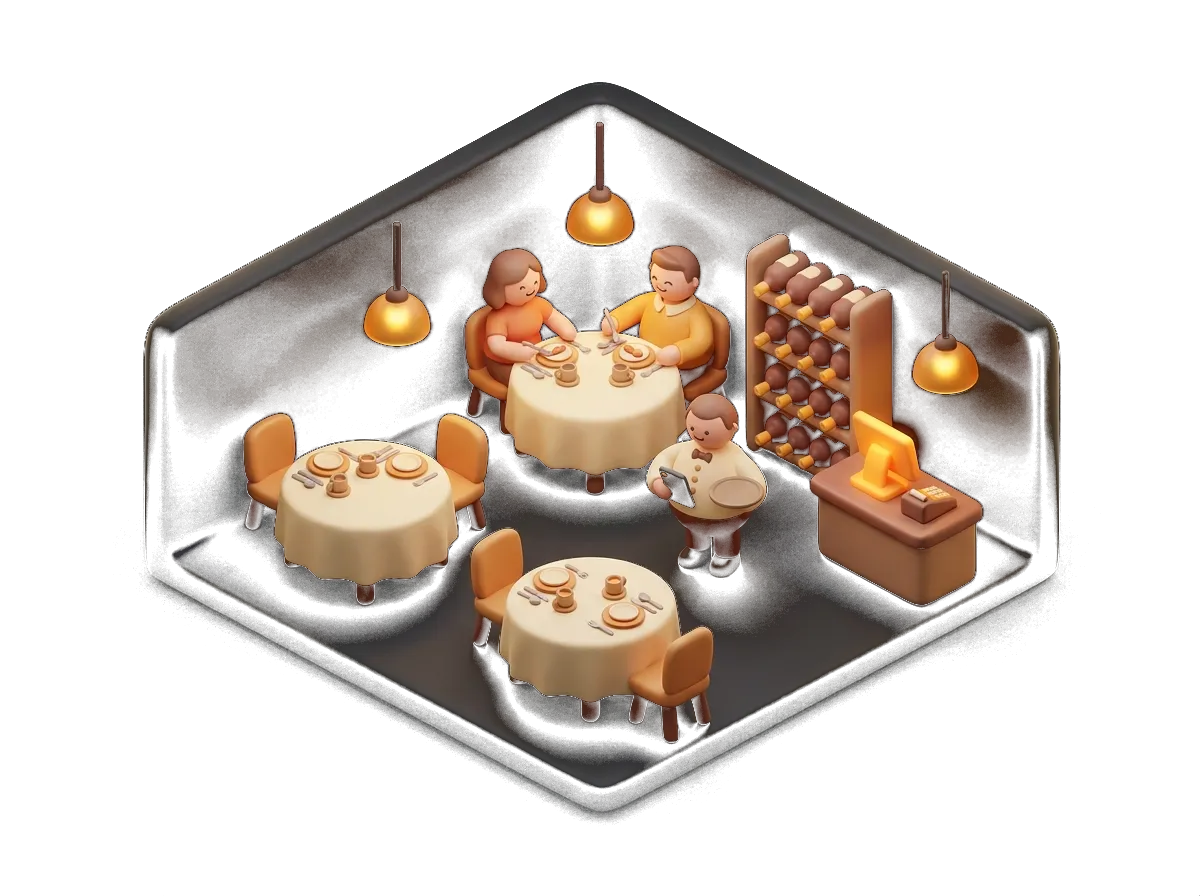
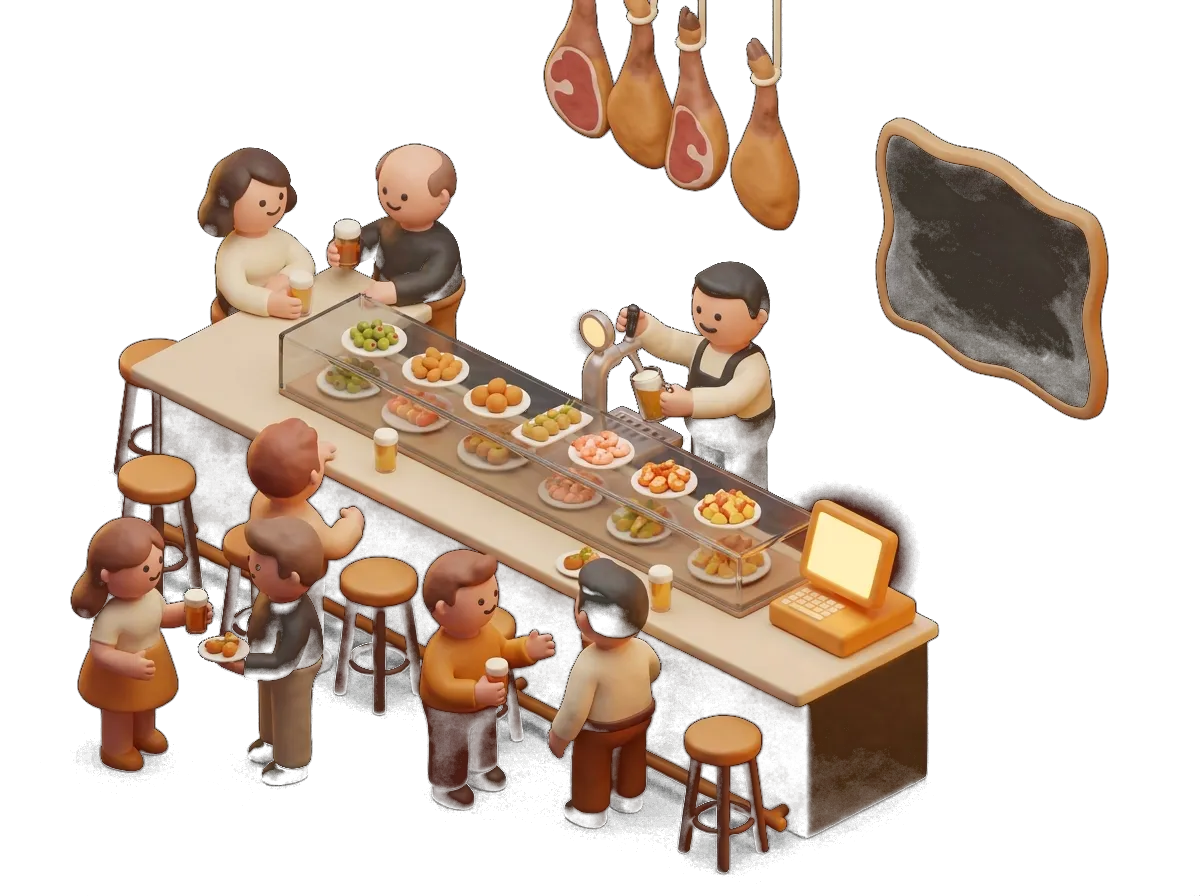
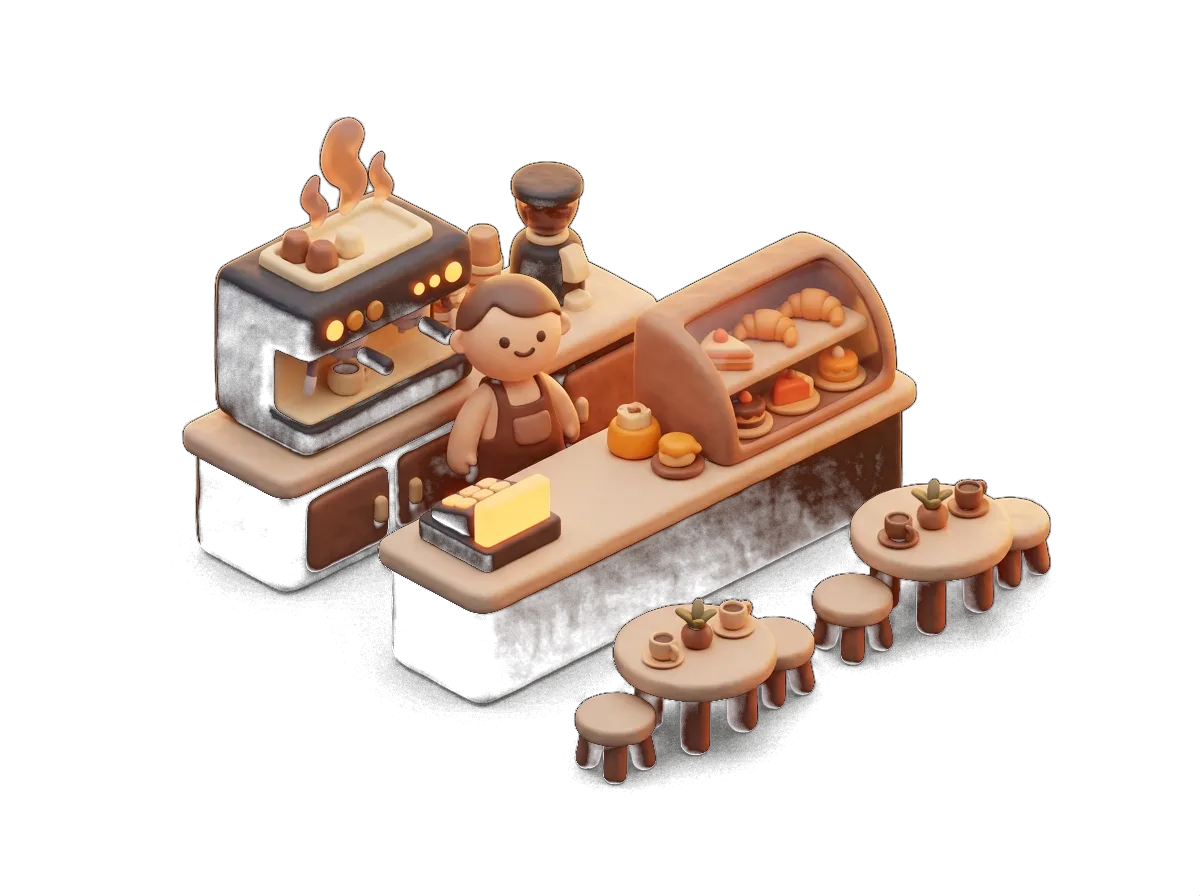
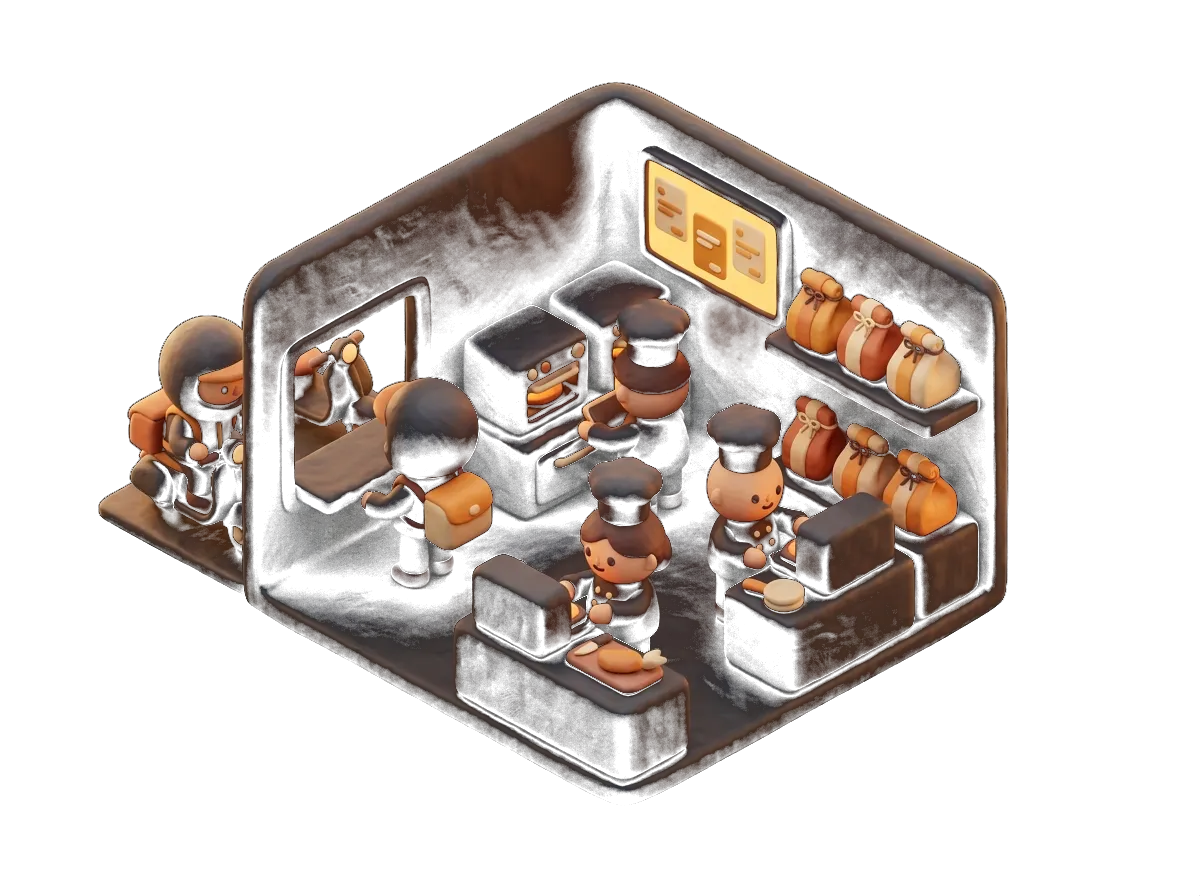
Every type of business uses it in its own way.
Goes well with
It works better alongside the rest
It's all in the same system and the same monthly fee.
Menu and orders
Order and pay from the table
The customer orders from the QR code on the table, with or without the waiter approving it.
See moreSales and floor
Hospitality POS
Touchscreen with tables, order tickets, payments and cash-up. Unlimited users and terminals.
See moreCustomers and marketing
Website
Your website, with menu, bookings and orders connected to the POS. Hosting and maintenance included.
See moreCustomers and marketing
Google ranking
An optimised Google listing, with bookings and menu built in and monthly tracking.
See moreBusinesses that already trust us
Bars, restaurants, lounges, academies and shops. Every logo is a real customer who works with us.








What we get asked
Digital QR menu: your questions
Does the digital menu replace the paper one?
They can live side by side: you print the paper one as a PDF from the same system, so the two are never out of step.
How many languages does it have?
Seven, with automatic translation. You can correct any translation by hand if a dish has a name of its own.
Can I add allergens?
Yes, product by product, with the official icons. Declaring them is a legal requirement, and this takes care of it.
What if a dish sells out?
You mark it sold out on the POS or the handheld and it disappears from the QR menu straight away.
Do customers have to install anything?
Nothing. They scan with the phone camera and it opens in the browser.
Do you make the QR codes and the stands?
Yes, we give you the QR codes ready to print and design the table signage with your branding.
What if I already have a PDF menu?
We import it and it comes ready loaded. You check it, tweak the photos and that's it.
Got another question? Drop us a line or give us a call: we answer the same day.
From the blog
Worth a proper read
Hospitality · 12 min
How to choose the POS for your bar, restaurant or terrace in Sevilla (2026 guide)
Tapas, half and full portions, outdoor tables, Holy Week and the Feria, tourism and support that answers at night: what a POS has to deliver for hospitality in Sevilla, and how to compare suppliers.
Technology · 11 min
Digital menus for restaurants: benefits, common mistakes and how to get one up and running
A digital menu is not a PDF behind a QR code. What it needs (photos, allergens, languages, syncing with the POS), the mistakes we see in Sevilla and the steps to have yours published in three days.
Hospitality · 8 min
Ordering from the table by QR: how a terrace in Sevilla serves more with the same staff
QR ordering does not replace the waiter: it saves them the trips that add nothing. When to switch it on, with or without approval, how to avoid pranks and what happens with the second round on a packed terrace.
Get started with the digital QR menu in your venue
Tell us how you work and we'll put together a fixed quote in under 24 hours. No obligation, no small print, and someone from Sevilla at the other end.
We call you within 24 h · Equipment included · 24/7 support