
Sales and floor
Handheld ordering: the order reaches the kitchen before the waiter has turned round
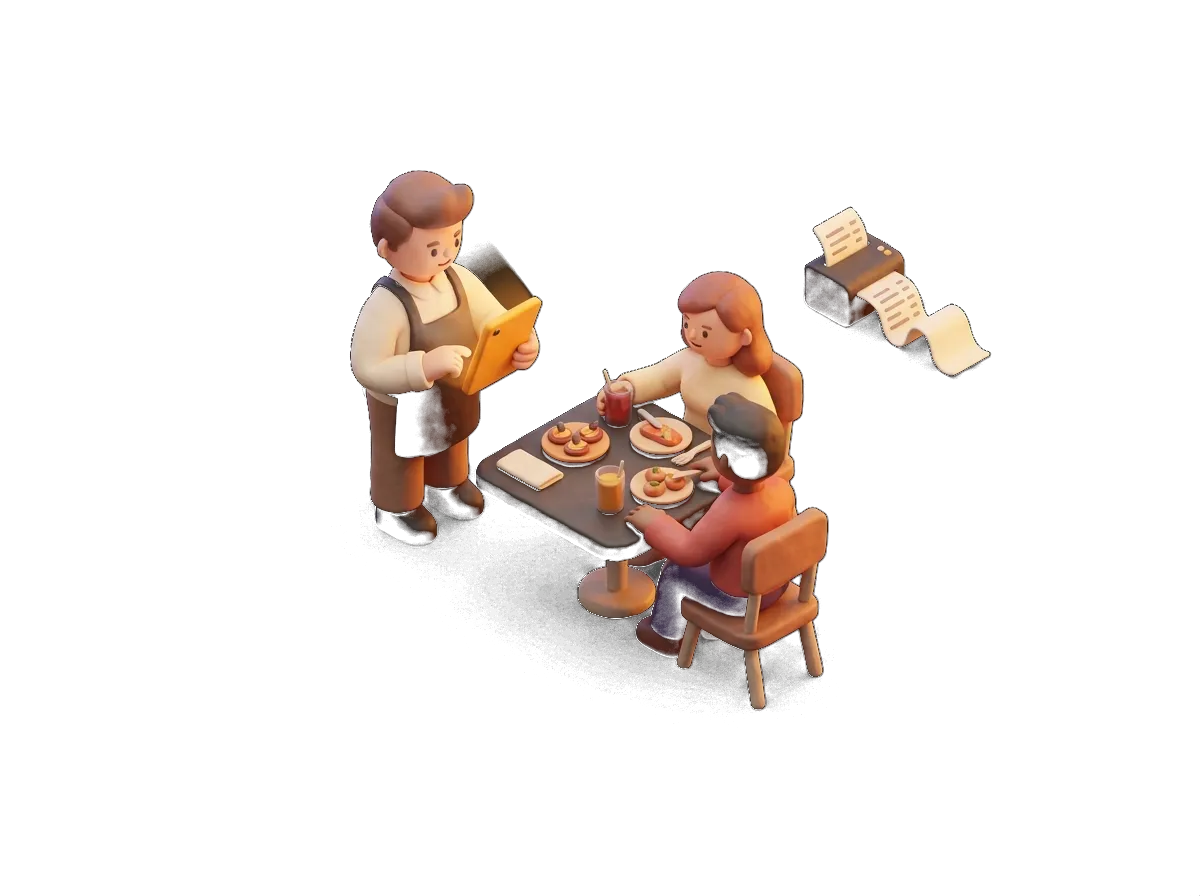
A tablet or phone in the waiter's hand. What they key in at the table prints or appears in the kitchen instantly, with notes, extras and no trip back to the bar.
- A terrace with no trips
- Extras and notes
- Payment at the table
What it does
Handheld ordering: what you will really use every day
01
The whole menu in your hand
Categories, products, extras, "no onion", "rare", half portions. The waiter keys it in with two taps and the order comes out where it should.
02
Routing by category
Drinks to the bar, dishes to the kitchen, desserts to their own section. Every product knows which printer or screen it goes to. Set it up once and it just works.
03
Bills without walking to the till
Split bills, move items between tables, change table, take card payment at the table itself and send the receipt. The terrace stops being a constant back and forth.
04
Works on what you already have
Any Android tablet or phone, or an iPhone, with a browser. No expensive handheld terminals to buy and nothing to pay per device.
Why choose it
Why Handheld ordering with Sevilla TPV
- Unlimited devices, no cost per handheld
- The same table plan as the POS, in real time
- Notes and modifiers per product
- Suggestions and "most ordered" to sell more
- It also works as a full POS in small venues
- 24/7 support if a tablet plays up mid-service
Handheld ordering is the module you notice most on a Sevilla terrace on a Saturday in April. Without it, the waiter takes the order, walks back to the bar, keys it in and walks back to the table; with it, the order is already in the kitchen by the time they turn around. Fewer transcription errors, fewer trips, more tables per waiter and faster turnover. And since it runs on any tablet or phone, there is no special hardware to buy and no licence to pay for each device.
Shall we go through it with your menu?
We'll show you this feature working with your own products. 20 minutes, no obligation.
Sectors
Where it pays off most
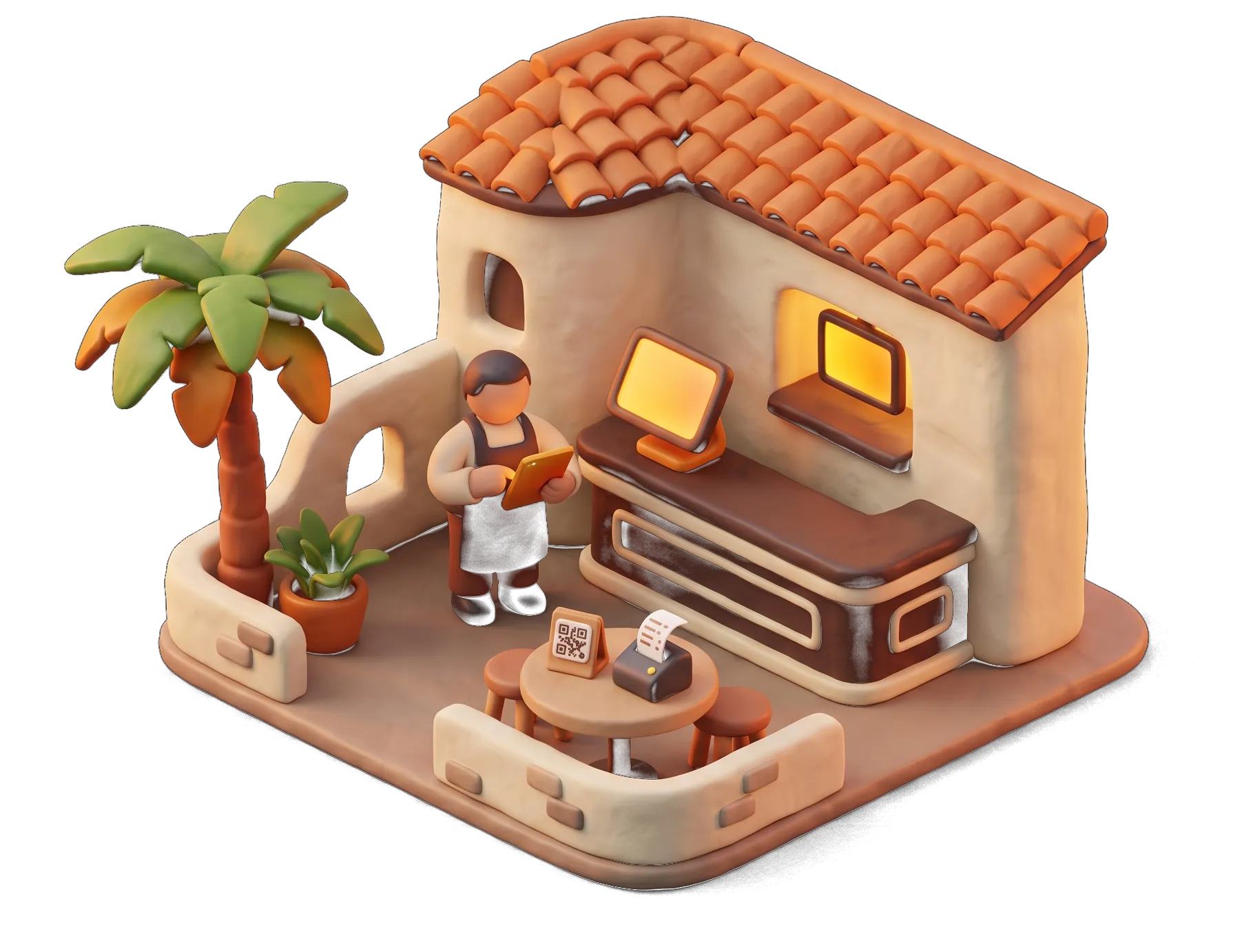
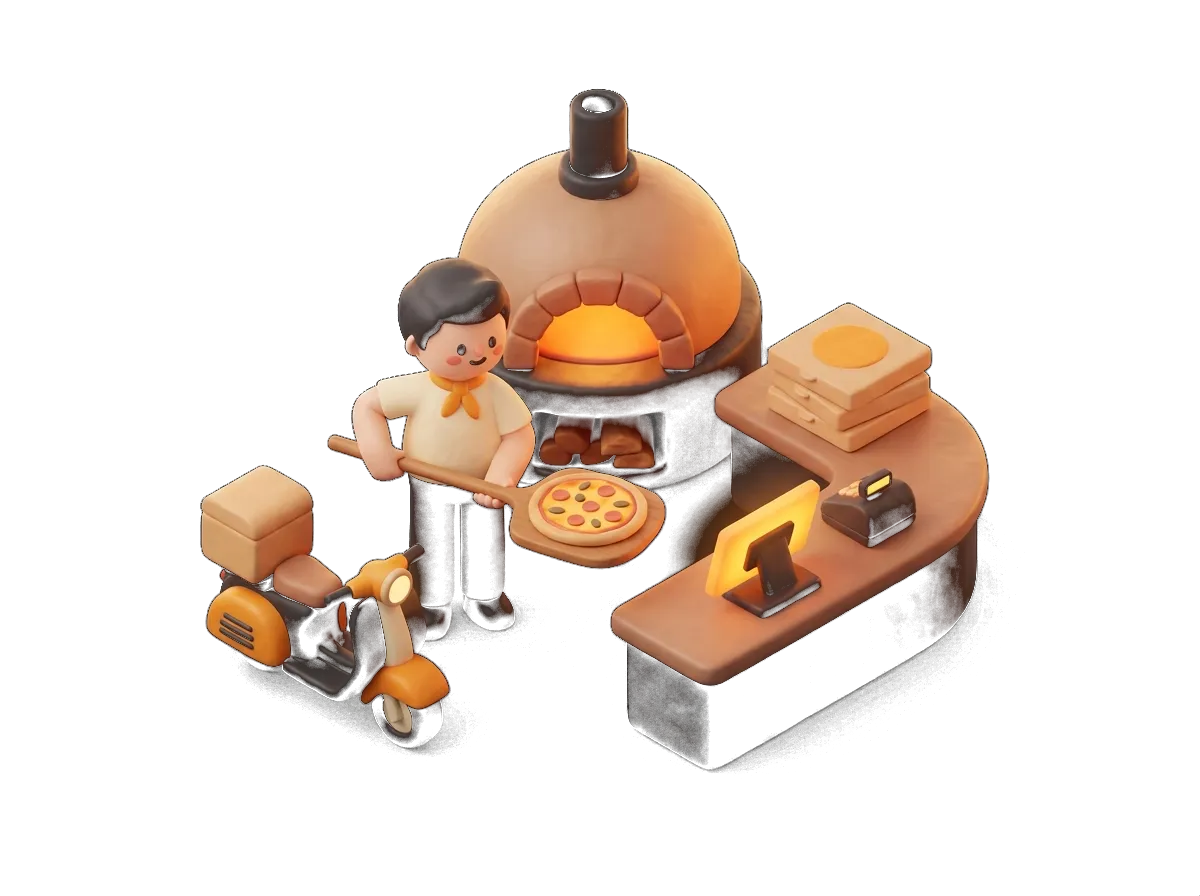
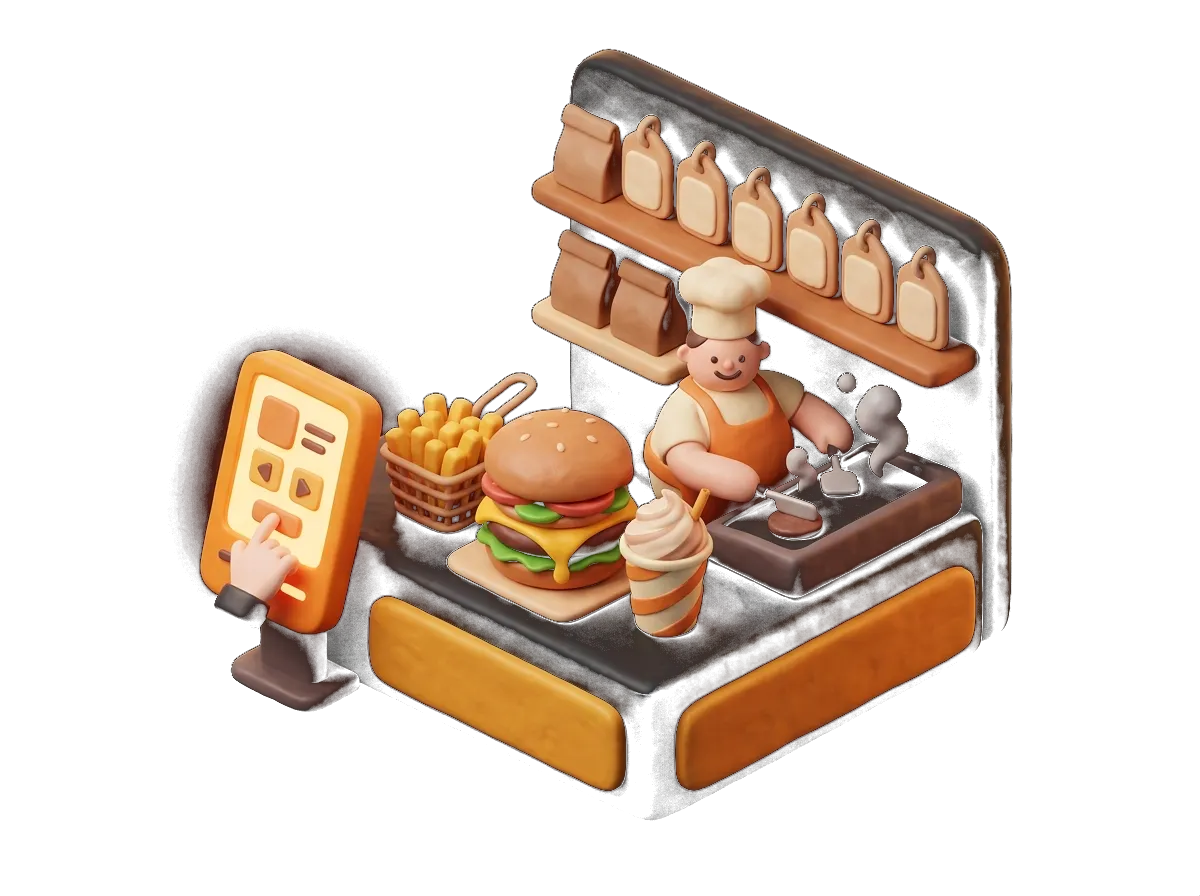
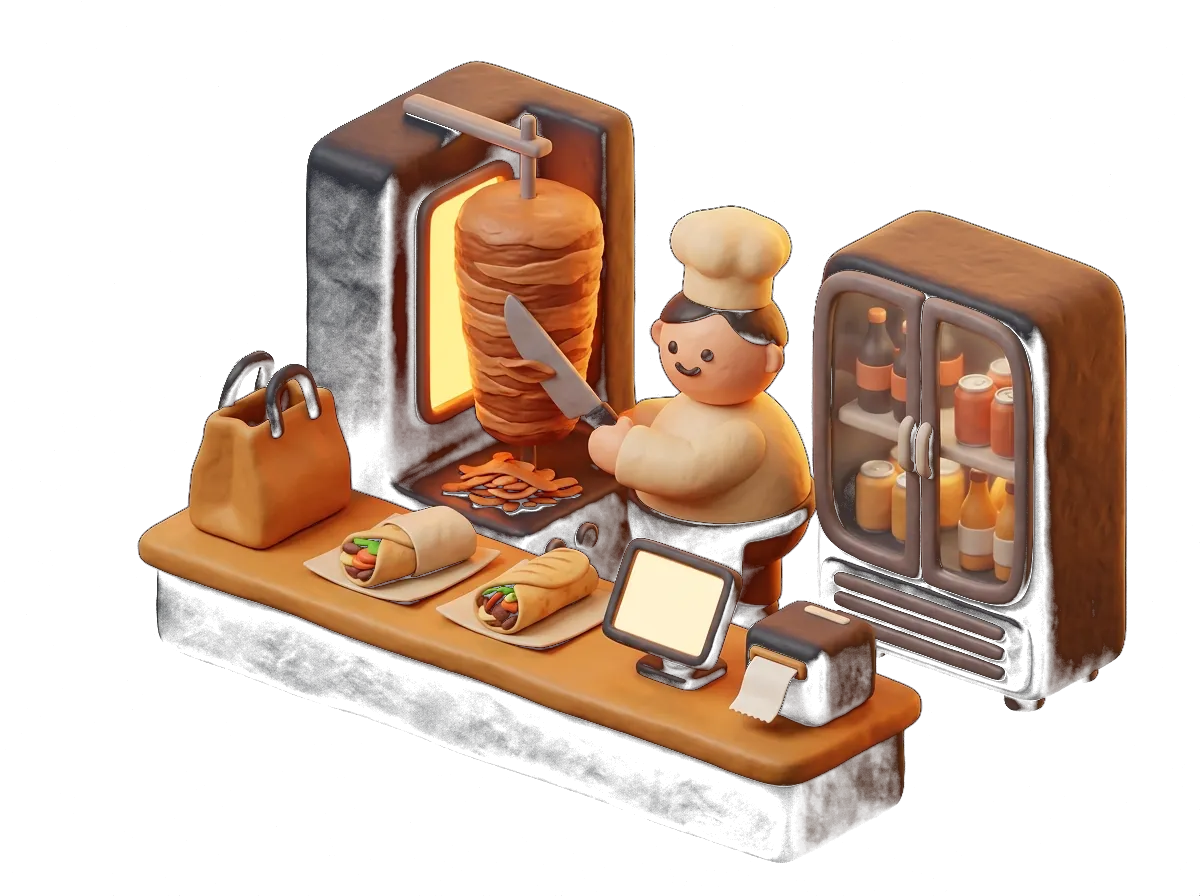
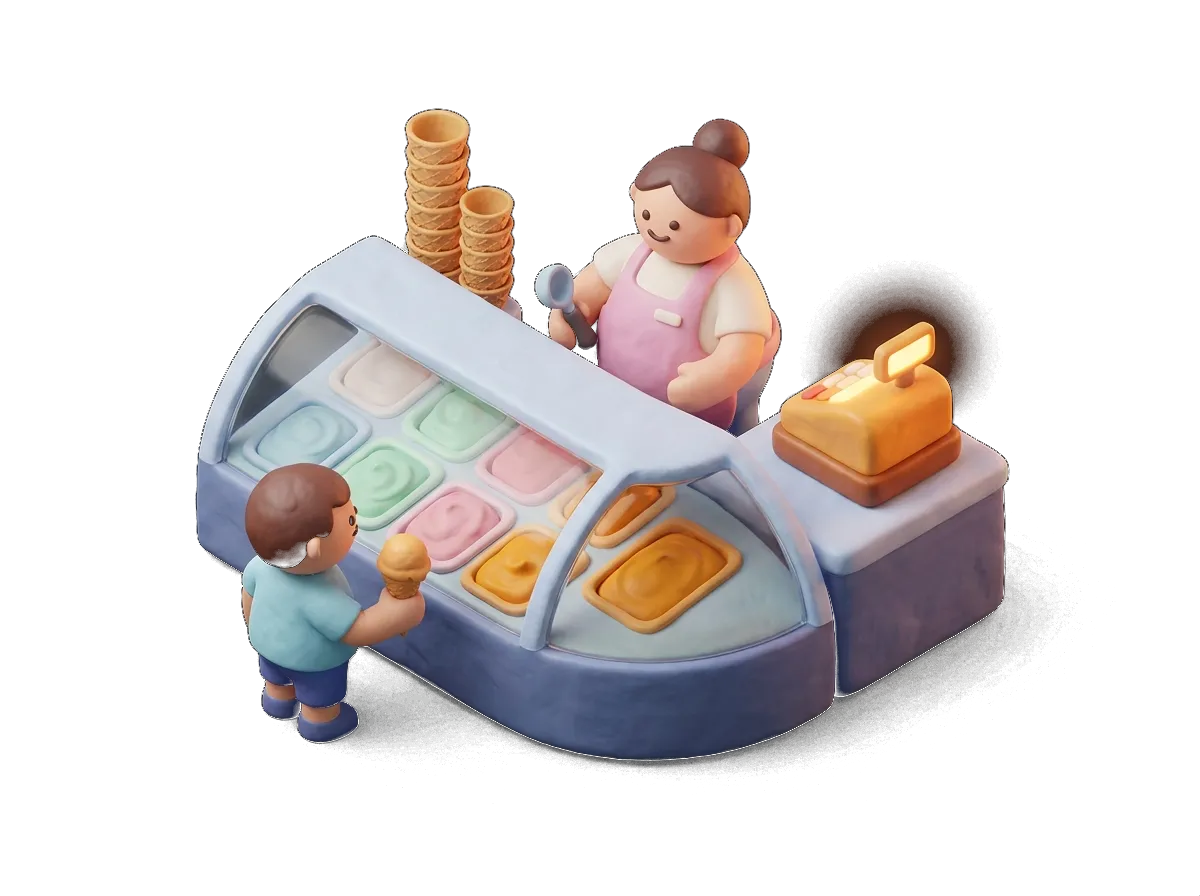
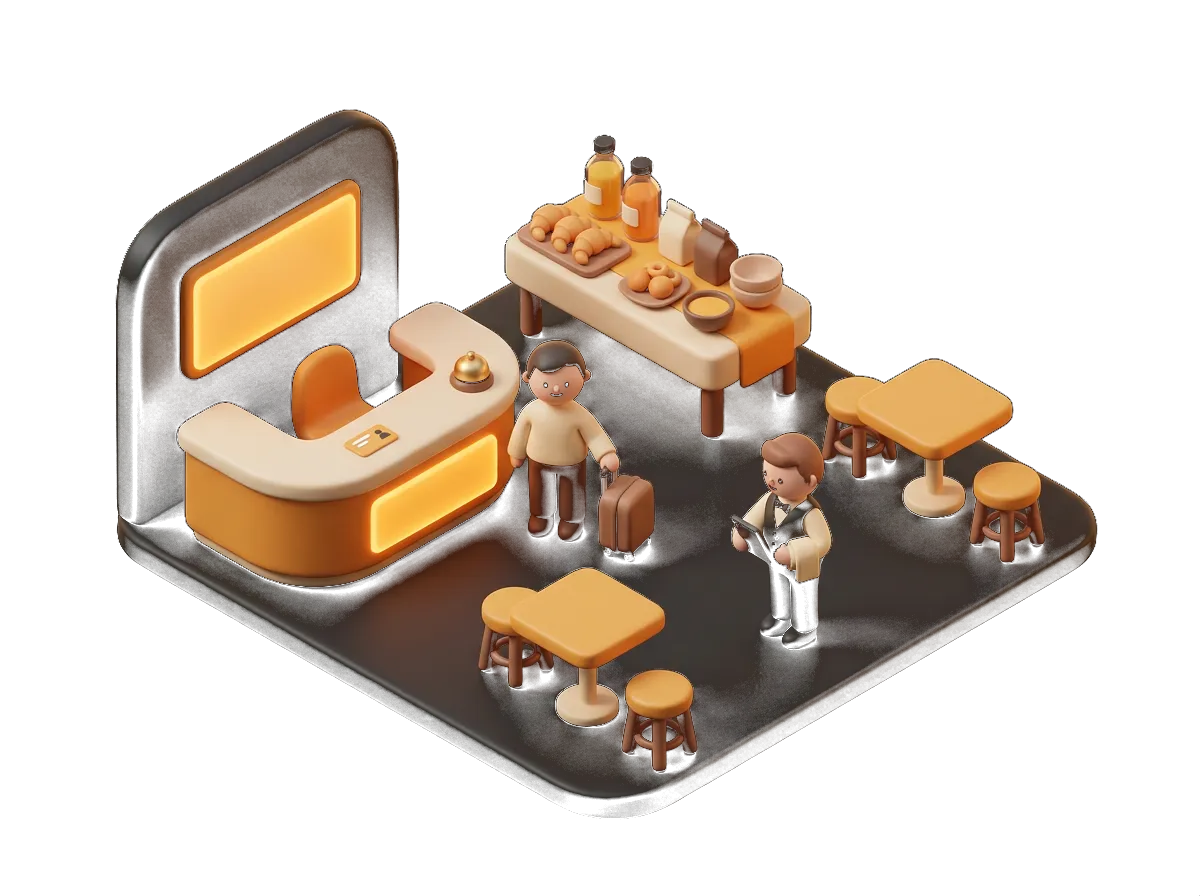
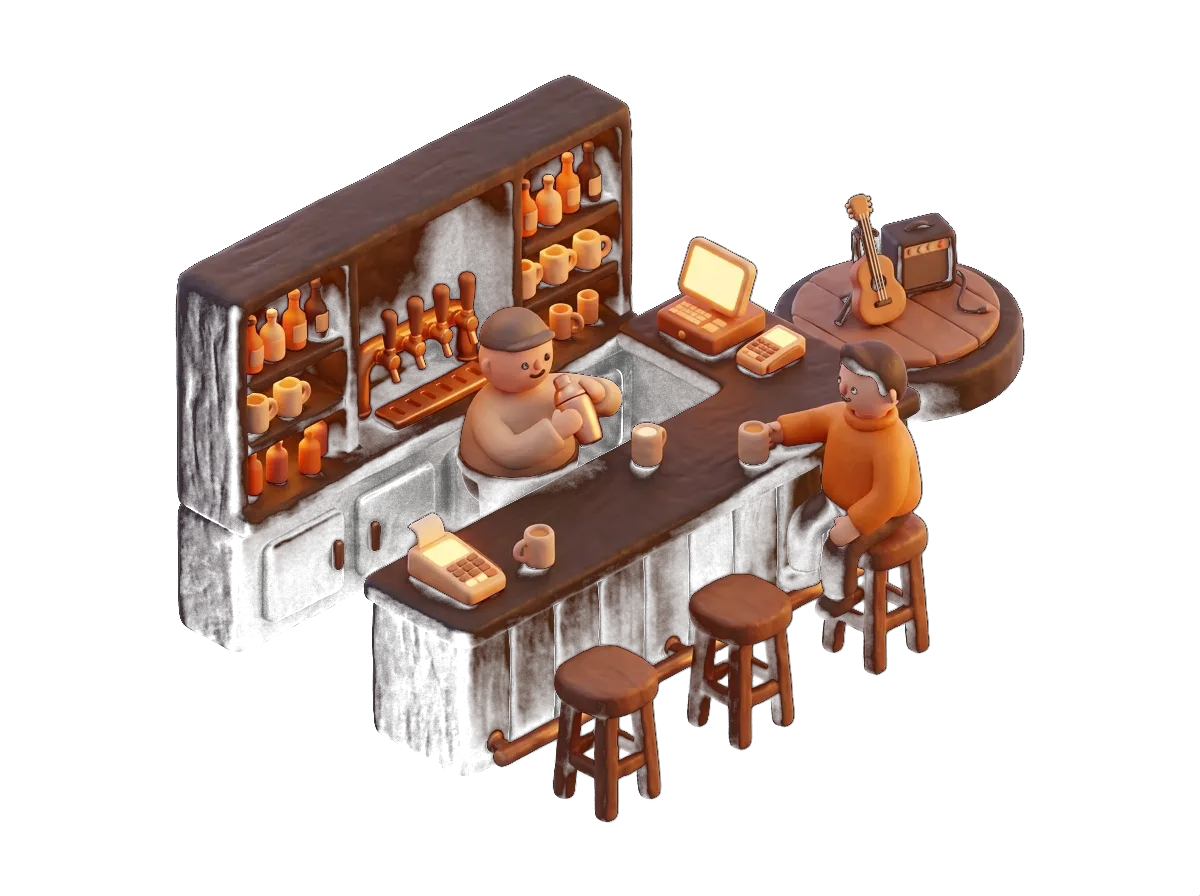
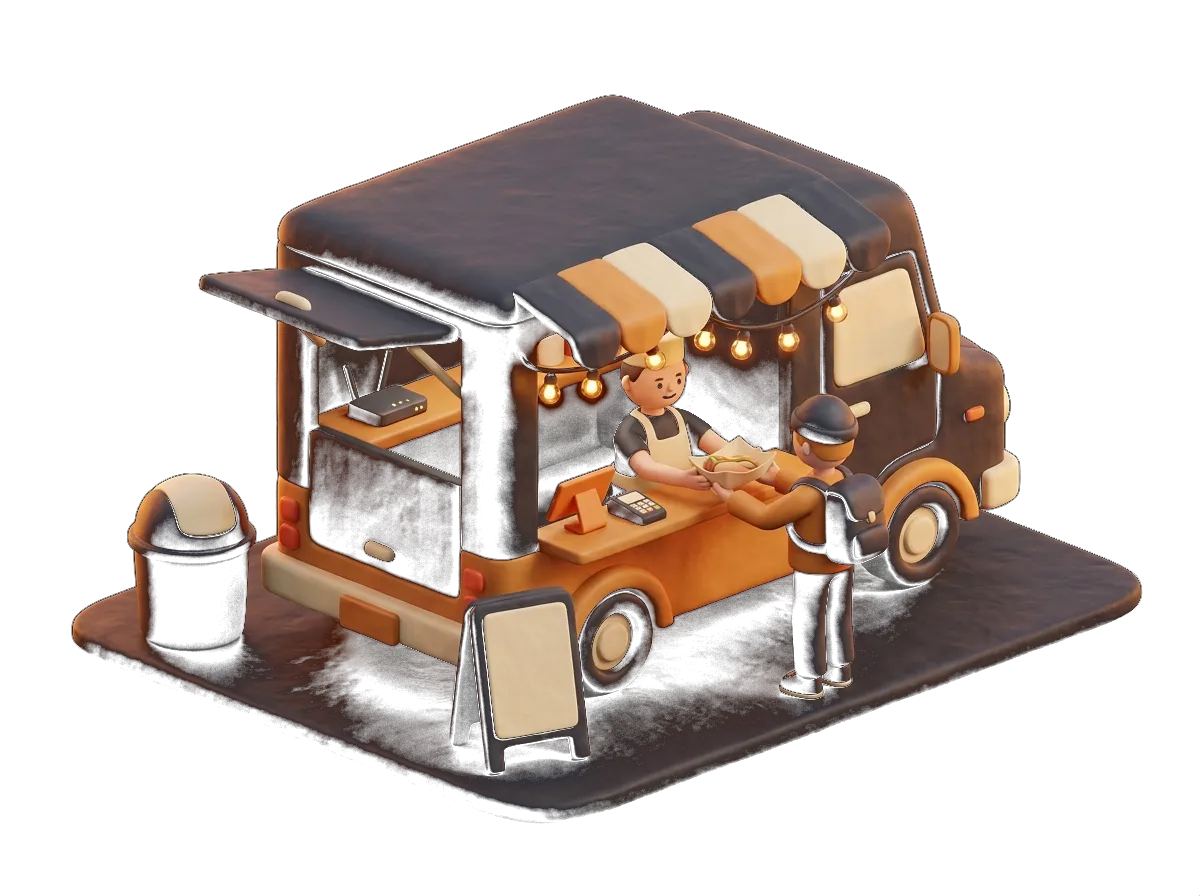
Every type of business uses it in its own way.
Goes well with
It works better alongside the rest
It's all in the same system and the same monthly fee.
Sales and floor
Hospitality POS
Touchscreen with tables, order tickets, payments and cash-up. Unlimited users and terminals.
See moreSales and floor
Kitchen display
Orders on screen, in sequence and with timings. It replaces the printer or works alongside it.
See moreMenu and orders
Order and pay from the table
The customer orders from the QR code on the table, with or without the waiter approving it.
See moreMenu and orders
Digital QR menu
QR menu with photos, allergens and translation into 7 languages, synced with the POS.
See moreBusinesses that already trust us
Bars, restaurants, lounges, academies and shops. Every logo is a real customer who works with us.














What we get asked
Questions about Handheld ordering
Which devices work as handhelds?
Any tablet or phone with an up-to-date browser: Android, iPad or iPhone. It works on the venue's wifi or on mobile data.
How many handhelds can I have?
As many as you like, at no extra cost. Your monthly fee does not change when you add devices.
What if the wifi drops on the terrace?
Phones carry on over mobile data. For the whole venue we recommend the backup 4G router: if the fibre drops, everything keeps running.
Can I take payment at the table?
Yes. You choose the payment method on the handheld and, if you are taking a card, you run it right there. The receipt comes out on whichever printer you choose or goes out by email.
Do new waiters learn it quickly?
It is a menu made of buttons: if they can use a phone, they can use the handheld. Everyone gets it in the first day's training.
Does it replace the POS?
In a small venue, yes: the handheld does everything the POS does. In larger venues they work side by side: POS on the bar, handhelds on the floor.
Got another question? Drop us a line or give us a call: we answer the same day.
From the blog
Worth a proper read
Hospitality · 12 min
How to choose the POS for your bar, restaurant or terrace in Sevilla (2026 guide)
Tapas, half and full portions, outdoor tables, Holy Week and the Feria, tourism and support that answers at night: what a POS has to deliver for hospitality in Sevilla, and how to compare suppliers.
Hospitality · 8 min
Ordering from the table by QR: how a terrace in Sevilla serves more with the same staff
QR ordering does not replace the waiter: it saves them the trips that add nothing. When to switch it on, with or without approval, how to avoid pranks and what happens with the second round on a packed terrace.
Get started with Handheld ordering in your venue
Tell us how you work and we'll put together a fixed quote in under 24 hours. No obligation, no small print, and someone from Sevilla at the other end.
We call you within 24 h · Equipment included · 24/7 support